Searching Records and Registers
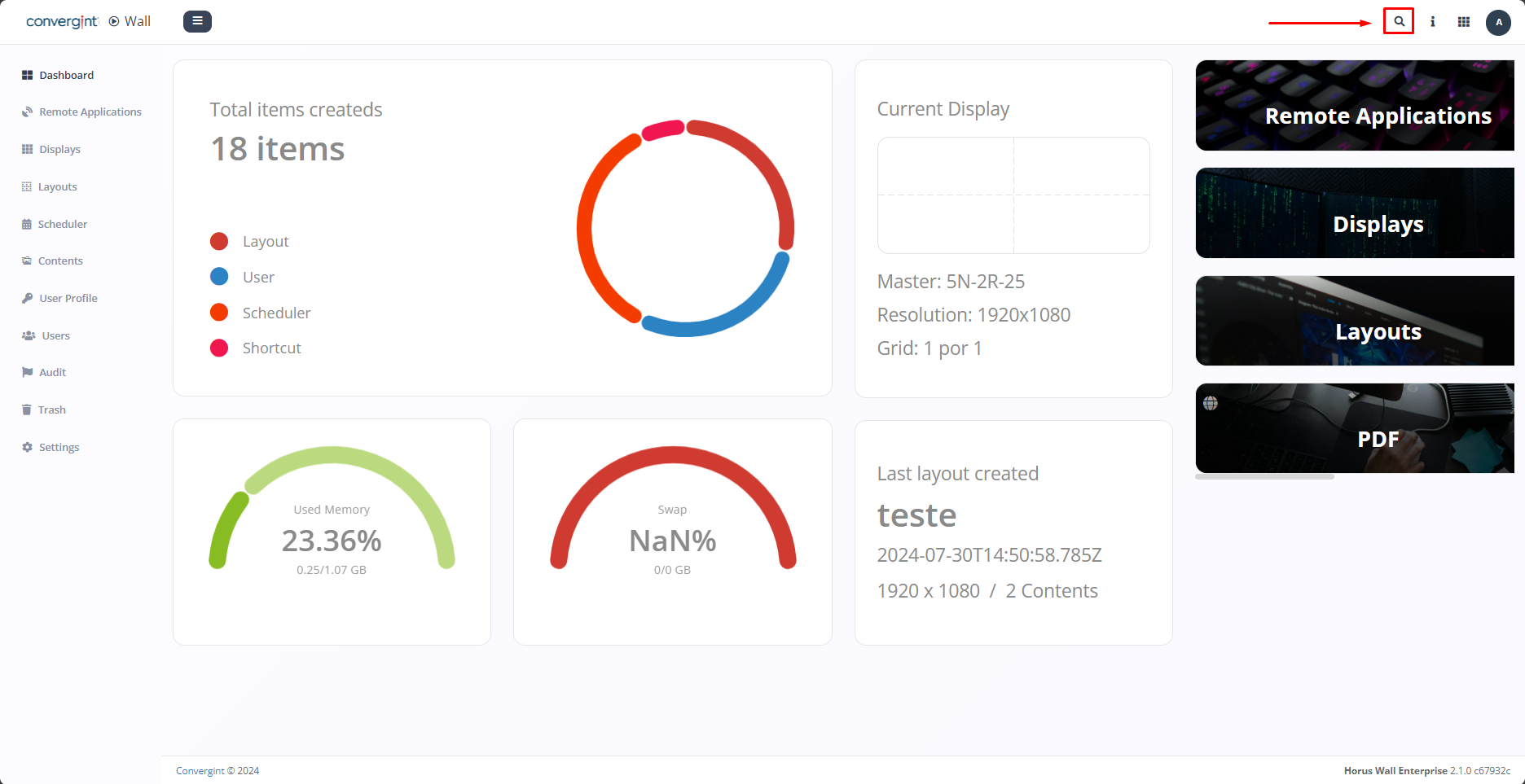
When you access the "Dashboard" tab, on the top right-hand side you will find the search bar icon (highlighted). Simply access this icon to perform the searches you want. This allows you to search for registrations and records made previously, thus providing an alternative path to a particular piece of content.
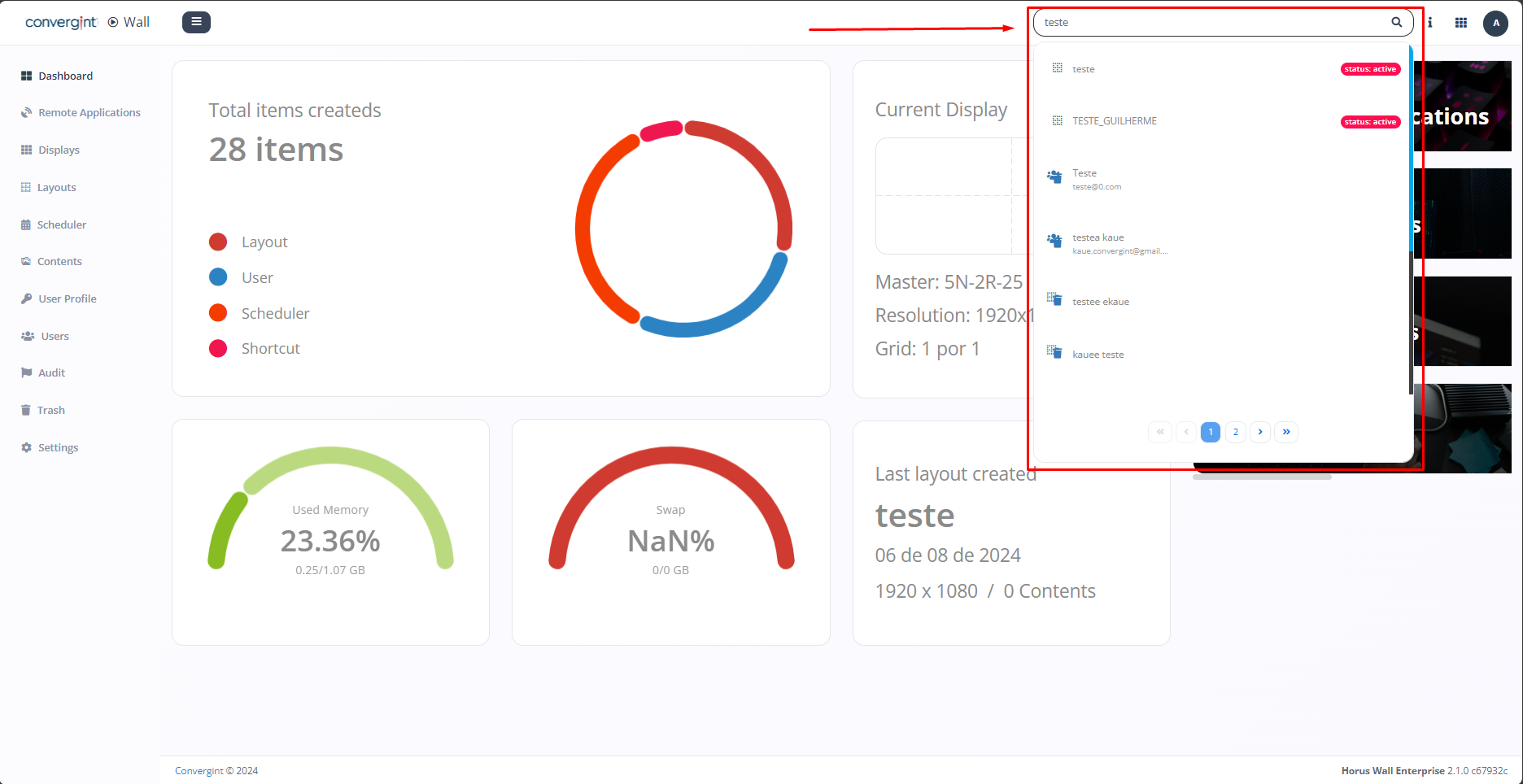
When you click, simply search for the name or description of the content you have previously registered. Then click on the desired content to access it later (highlighted).