Using the Guide
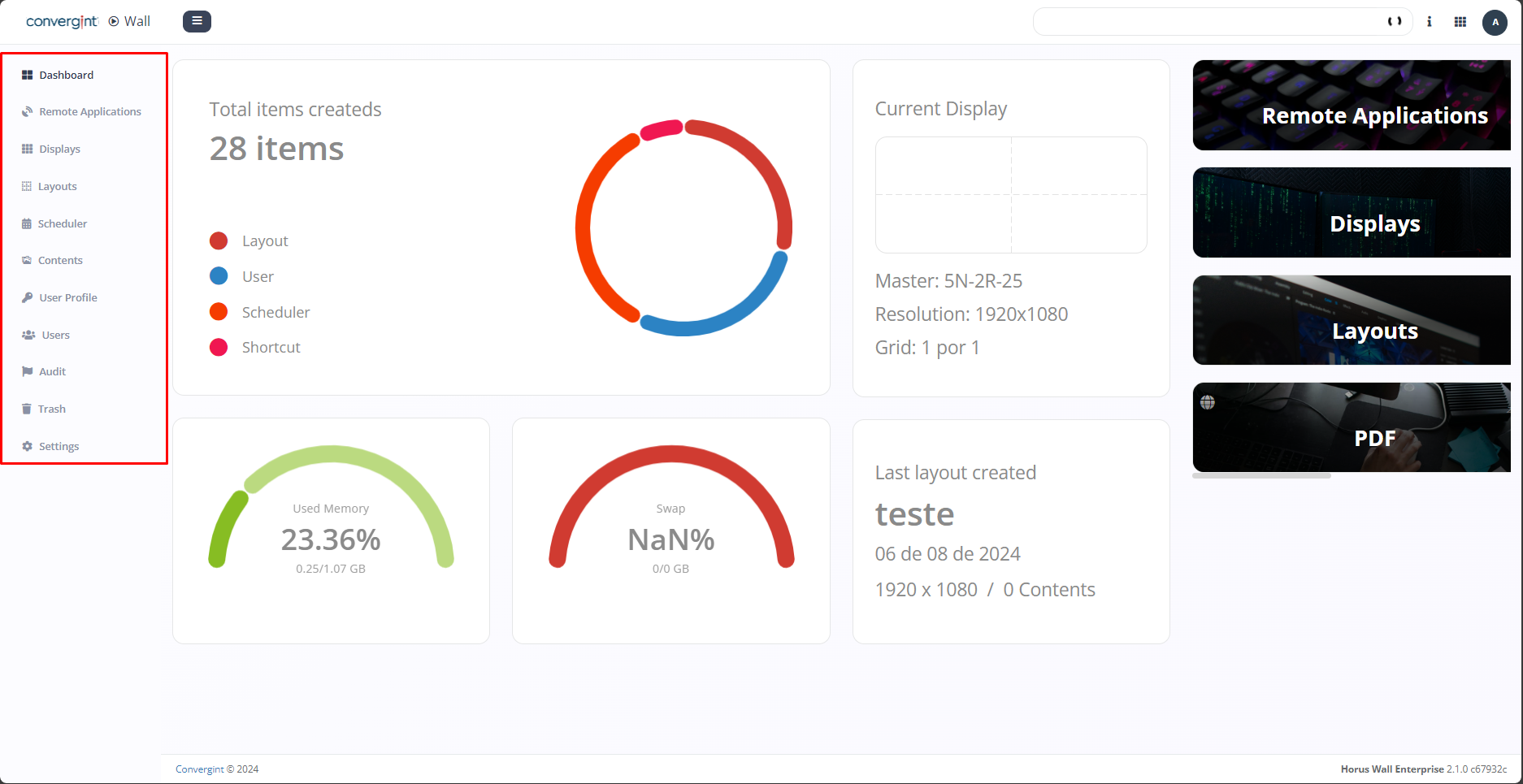
To use the guide, select the tab of your choice (highlighted), where you want to obtain the knowledge and information you need to use the functionality corresponding to that tab.
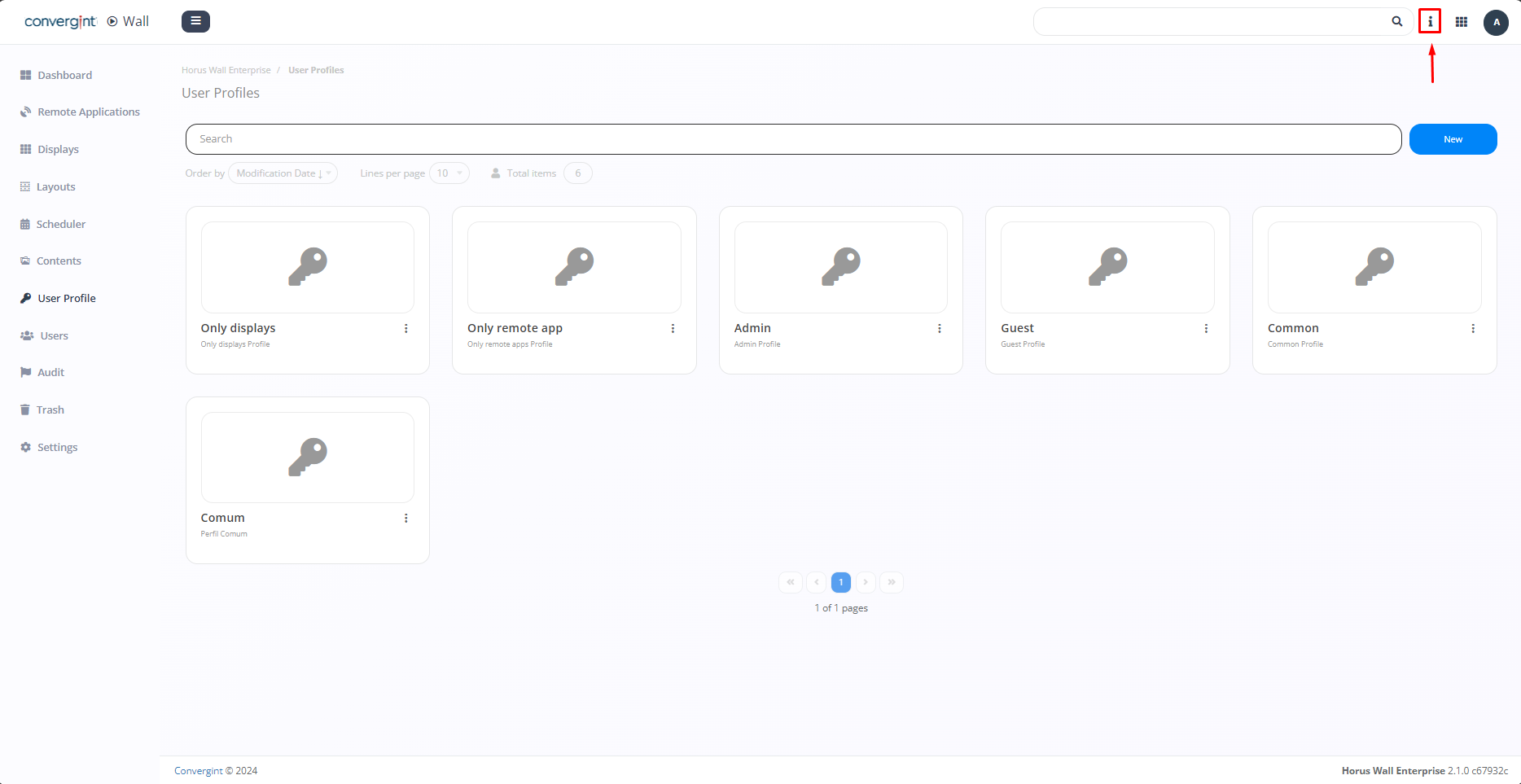
After selecting the correct tab, click on the tab icon in the top right-hand corner of the screen (highlighted).
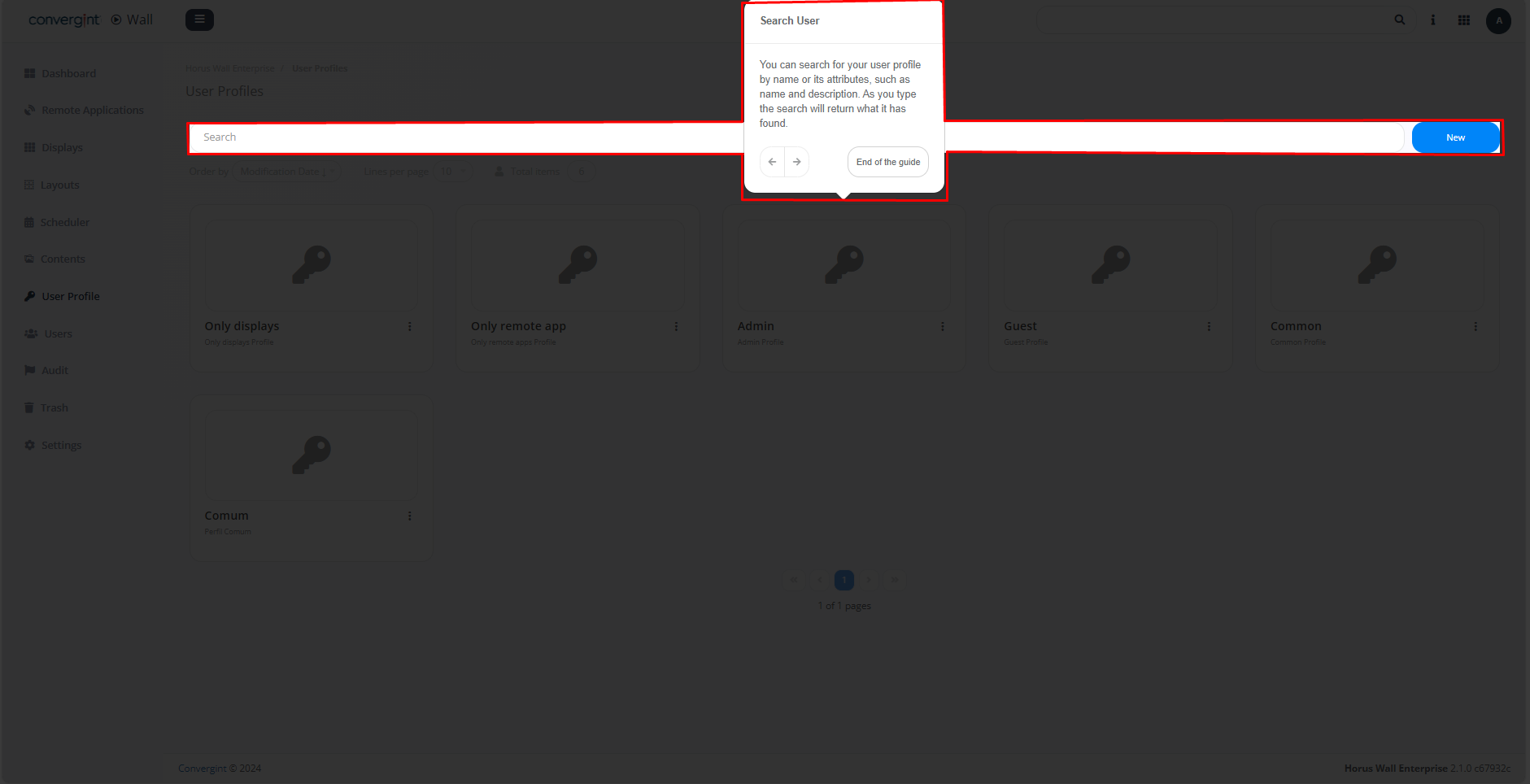
Based on the procedures mentioned above, you will have access to the necessary information corresponding to the selected tab (highlighted).