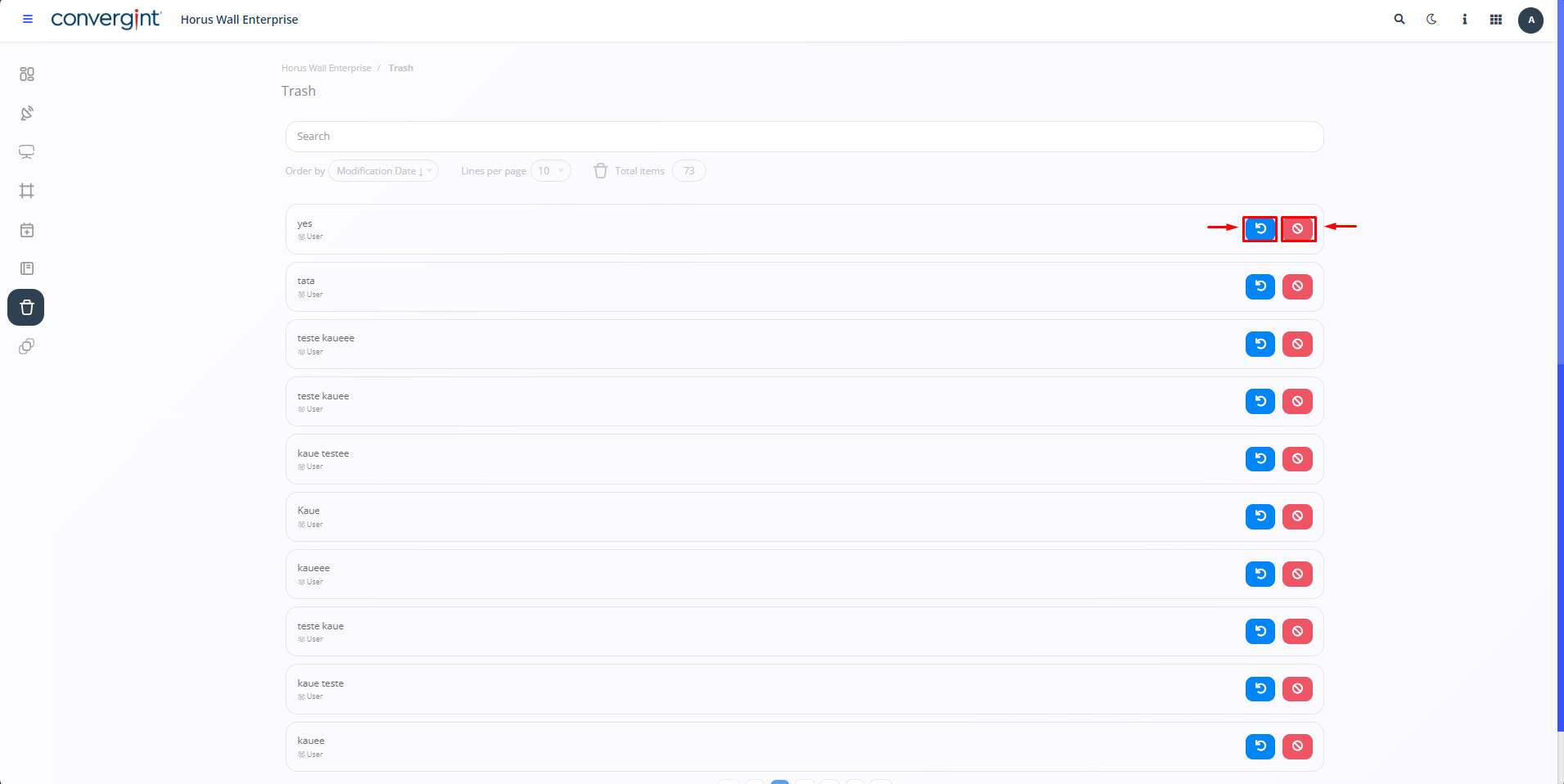
Restore or Confirm Previously Deleted Item
By following the steps described above, you will see the items that were previously deleted. To restore an item, click on the “Restore” button, which will allow you to recover the previously deleted item. To confirm the permanent deletion of an item, click on the “Delete” button. This will result in the item being permanently removed.
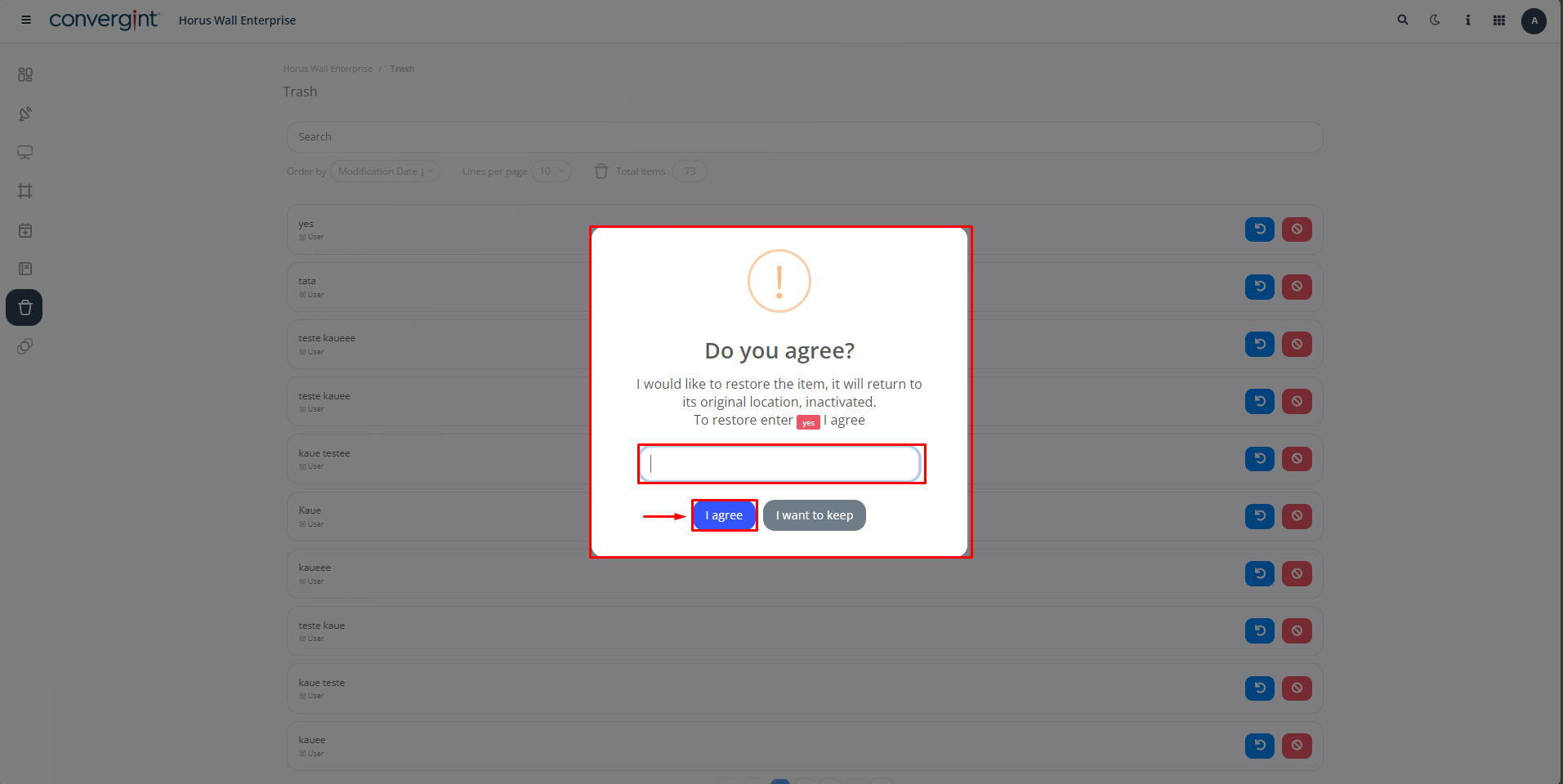
When you select an item according to the action you have chosen, the system will display a pop-up asking you to confirm that you want to delete or restore the action.