Creating Layouts
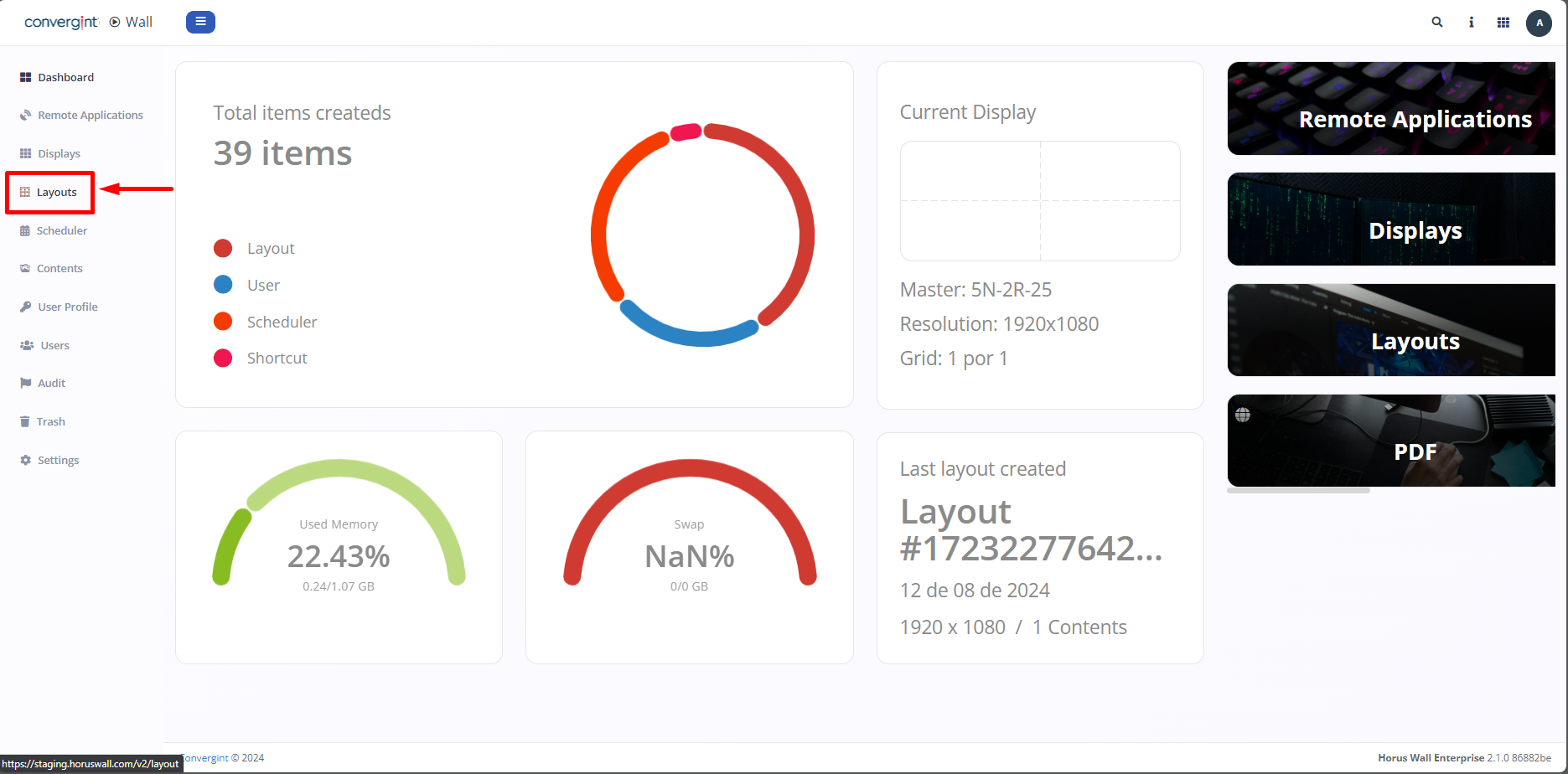
The first step is to access the "Layouts" tab. The "Layouts" tab is used to create your slides, presentations, and other content, and it also offers the initialization functionality if you wish to display your project on another server
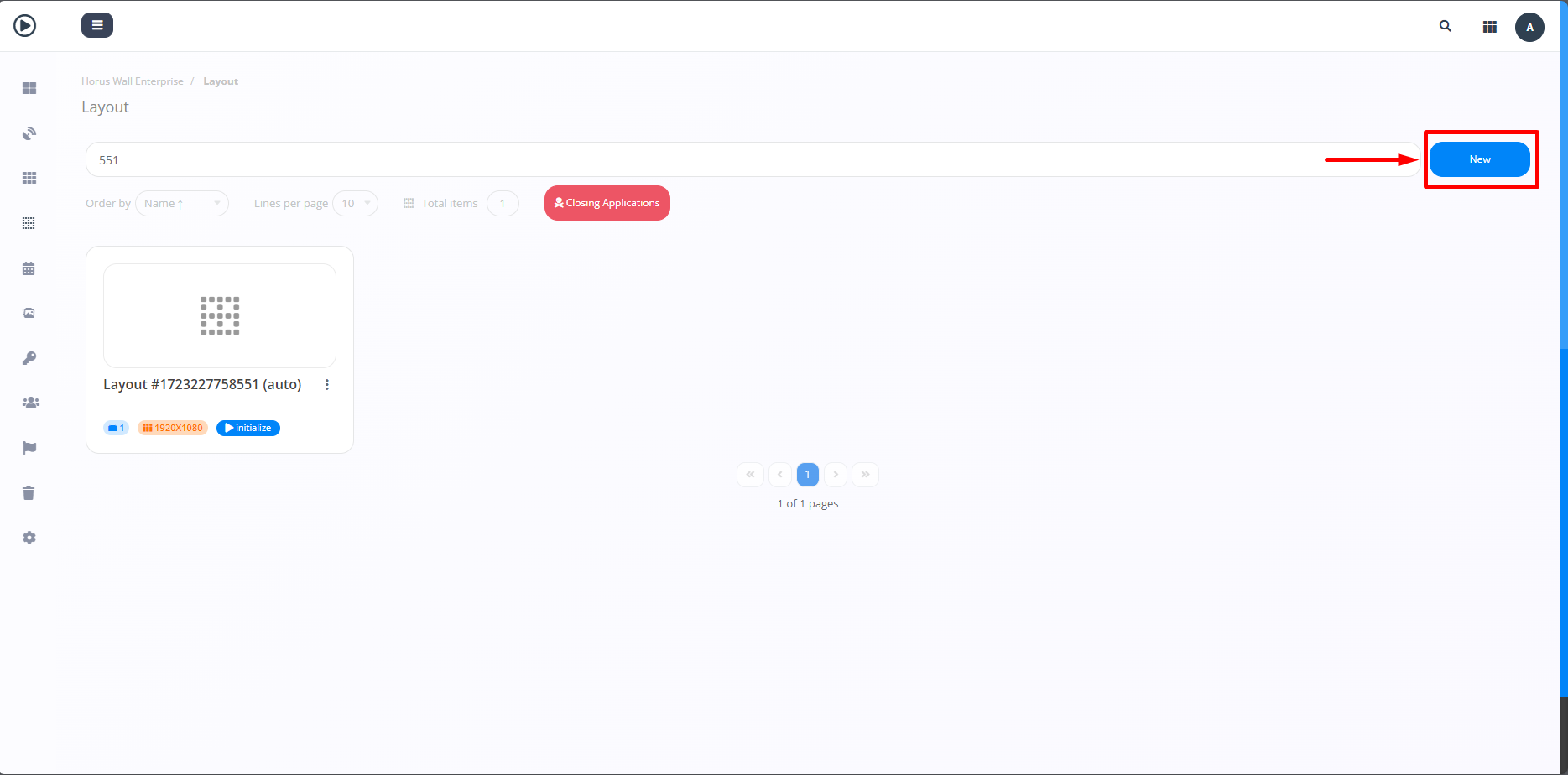
Next, click on the blue icon located at the top right corner of the screen to start the layout creation process (highlighted).
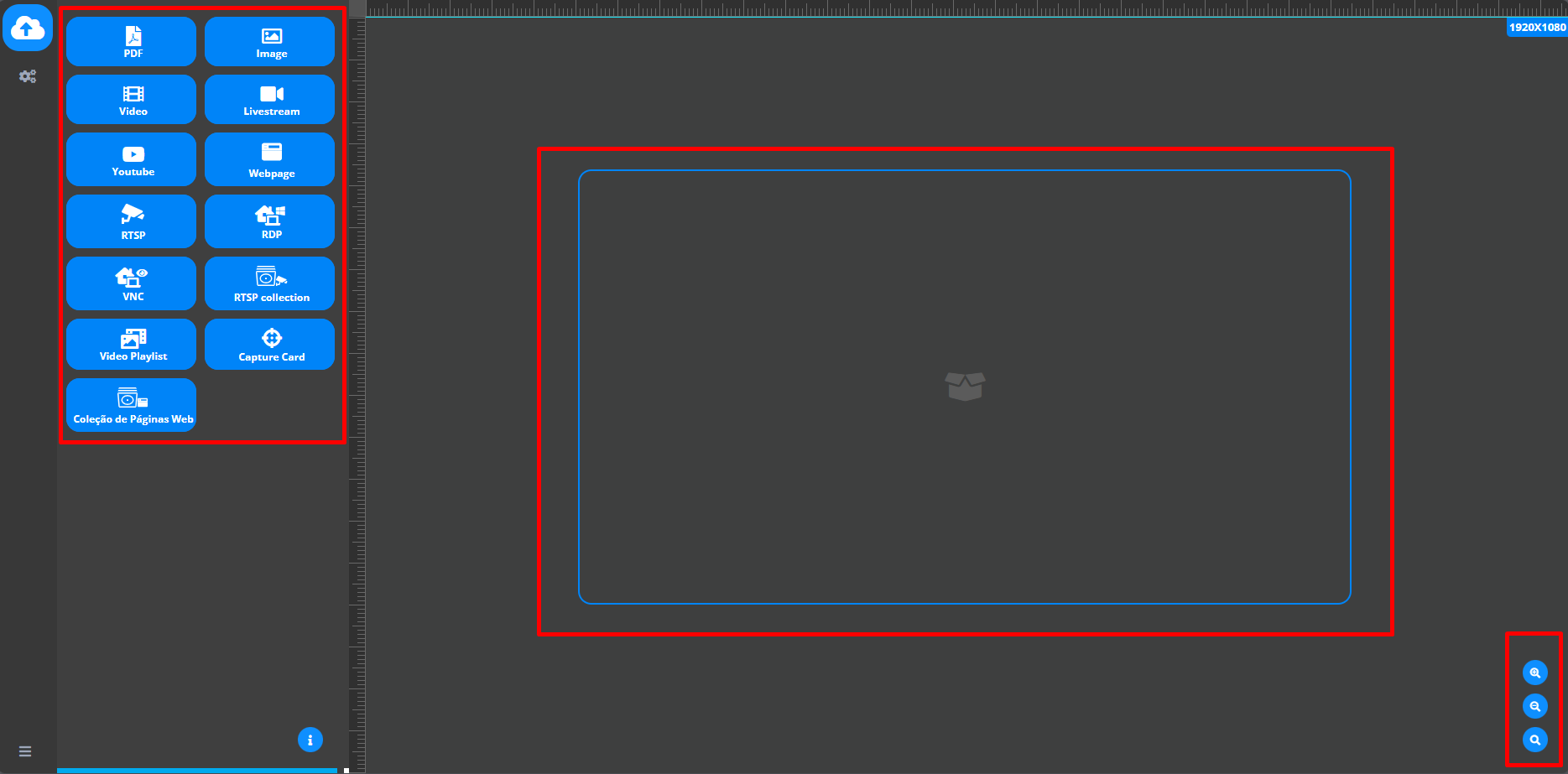
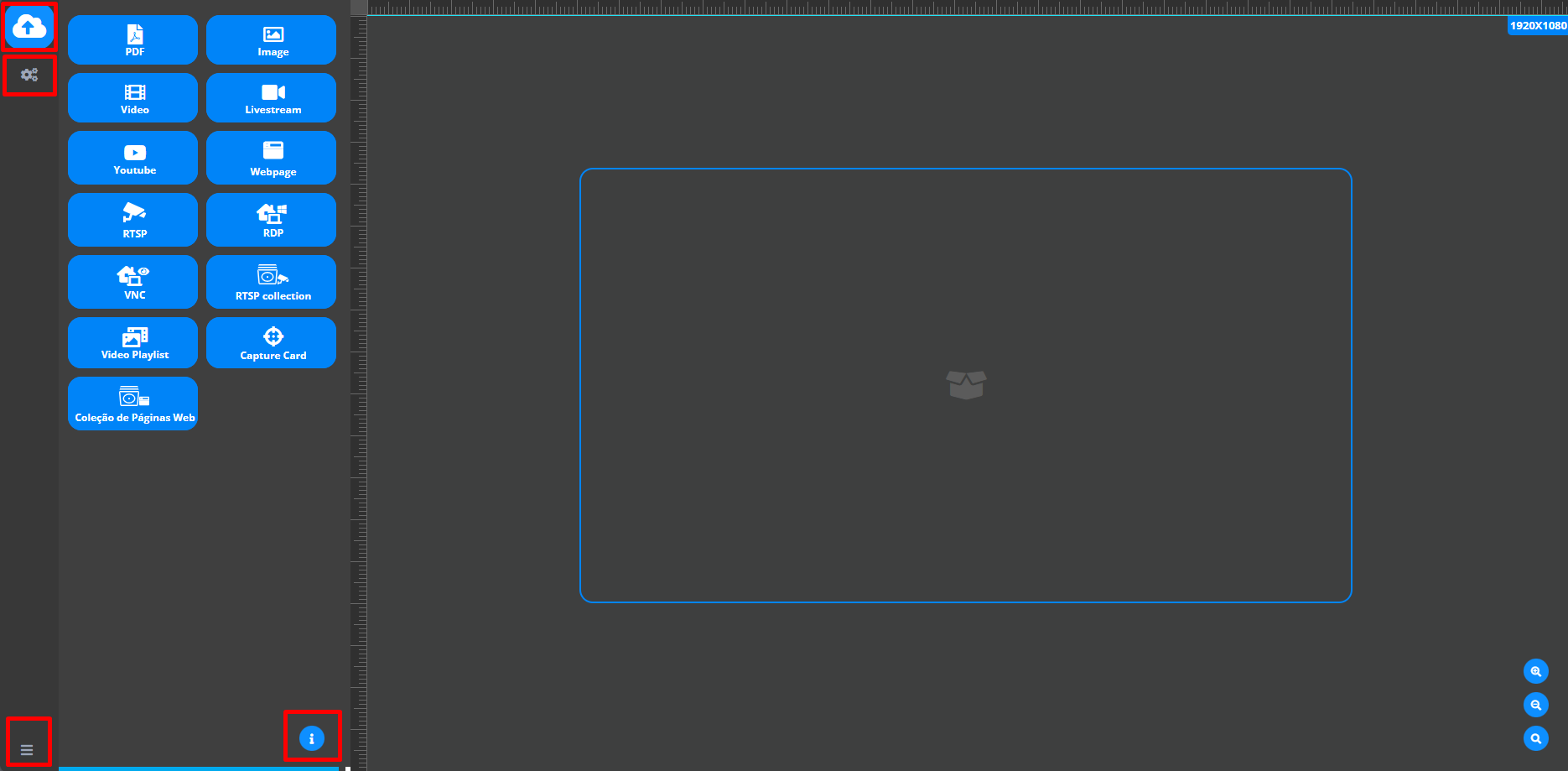
Next, a screen will appear as shown in the image, with various options for configuring your videowall as desired (highlighted). In the bottom right-hand corner of the screen, you'll find icons to "zoom in" and "zoom out" of the project, as well as a "search" icon (highlighted).
On the left-hand side of the screen, there will be icons that include the menu, detailed information, settings and, most importantly, the "save" icon (highlighted). The menu and information will be located on the bottom left-hand side, while the settings and save options will be on the top left-hand side of the screen.
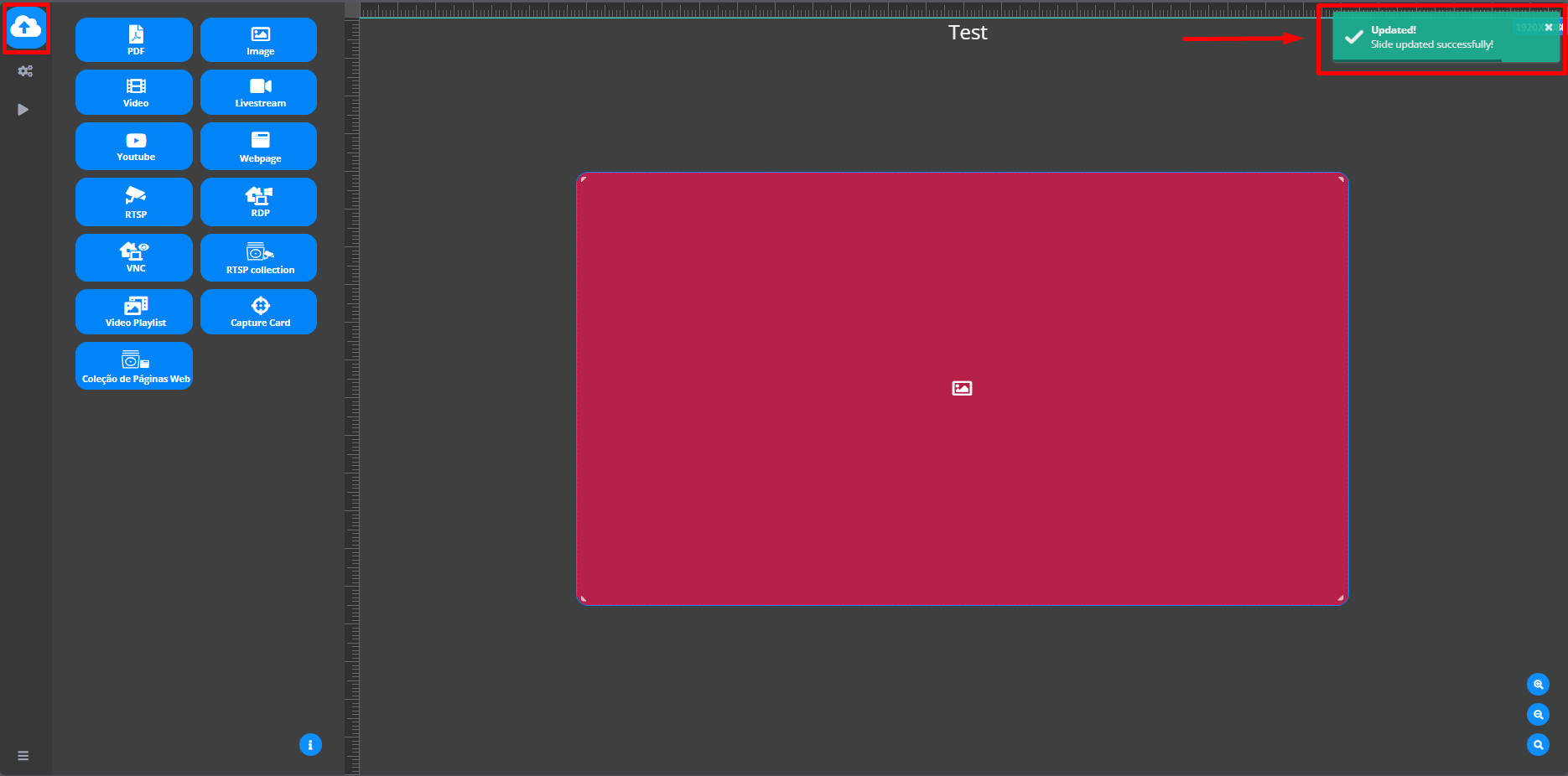
Once you have assembled the project you want, click on the "save" icon (highlighted). A confirmation message will appear informing you that your project has been saved.