Removing layouts
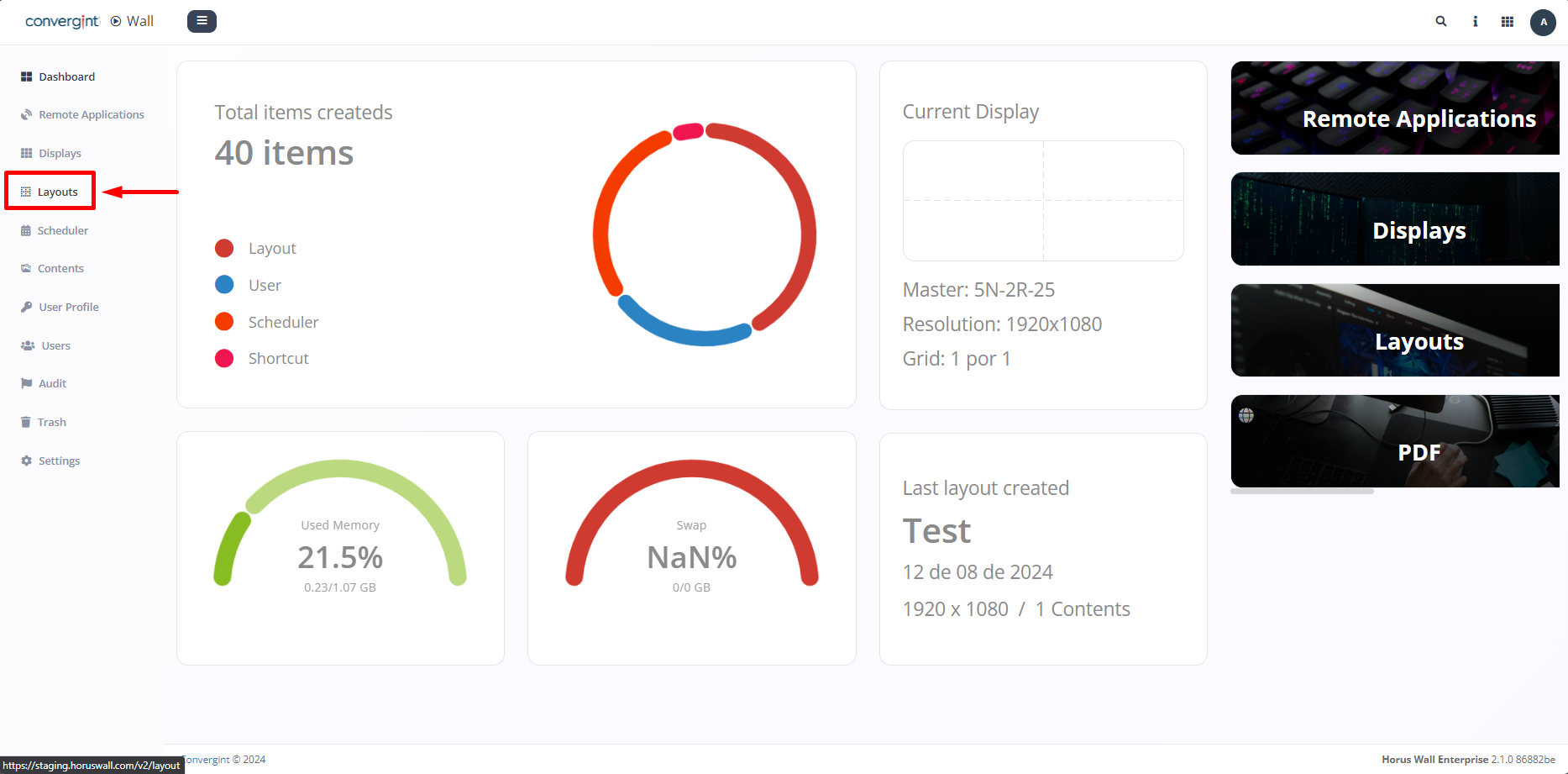
First, go to the "Layouts" tab to access the project.
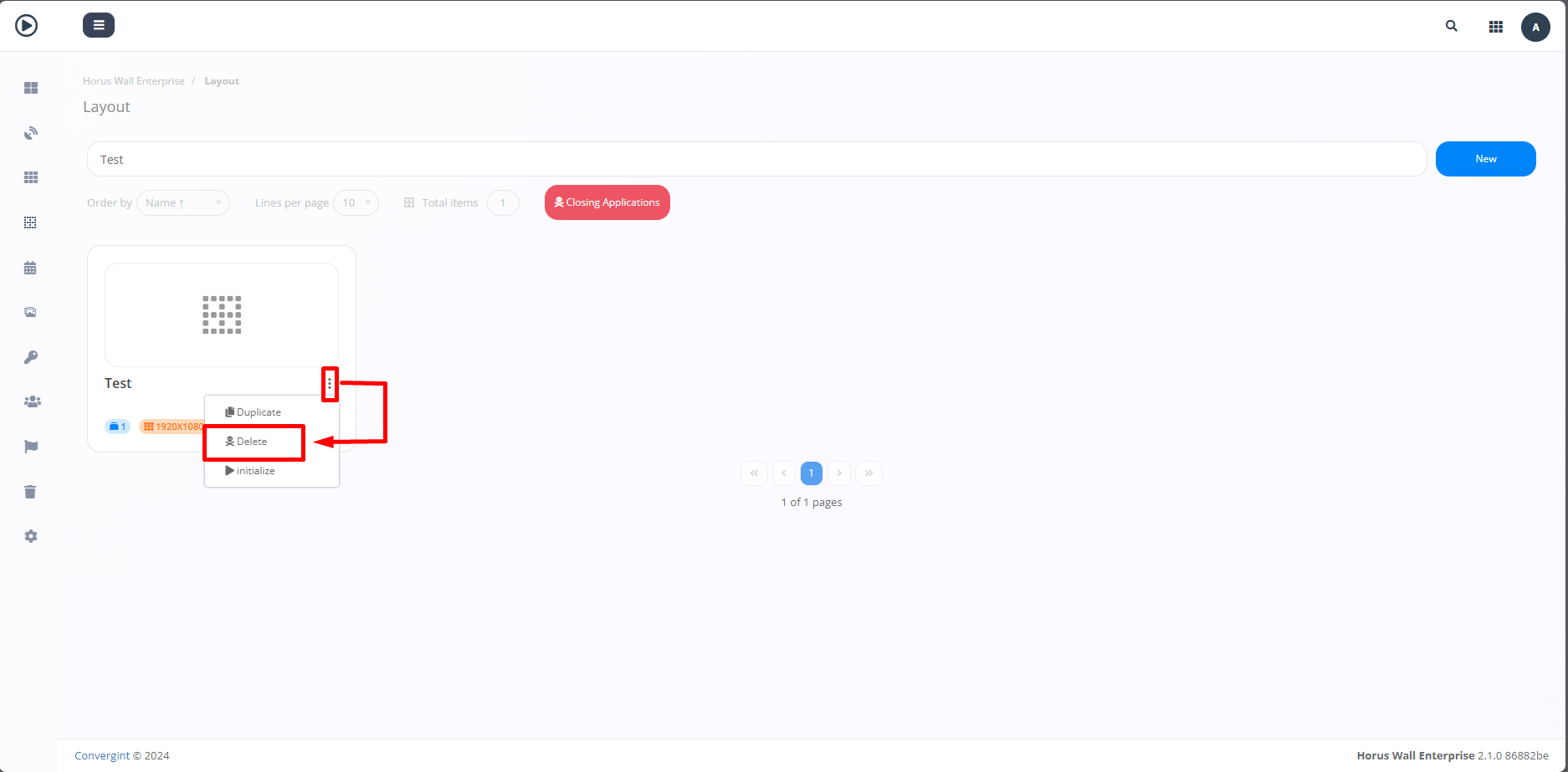
Then, on the project you want to remove, click on the three dots or hanging dots and then select the "Delete" option (highlighted).
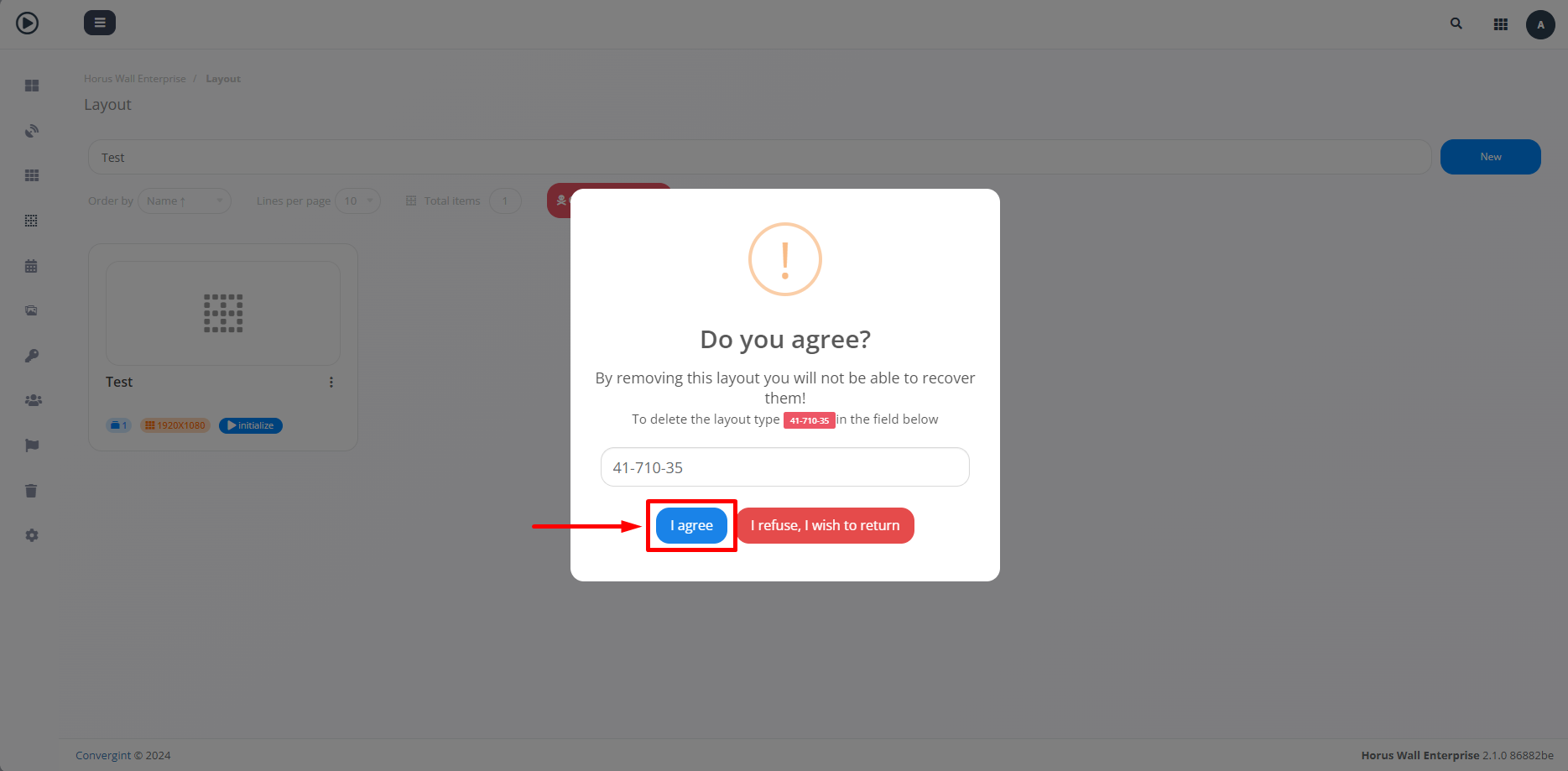
After selecting this option, you will receive a message confirming the removal. Simply enter the name requested and click "I agree" (highlighted) to proceed with deleting the project.
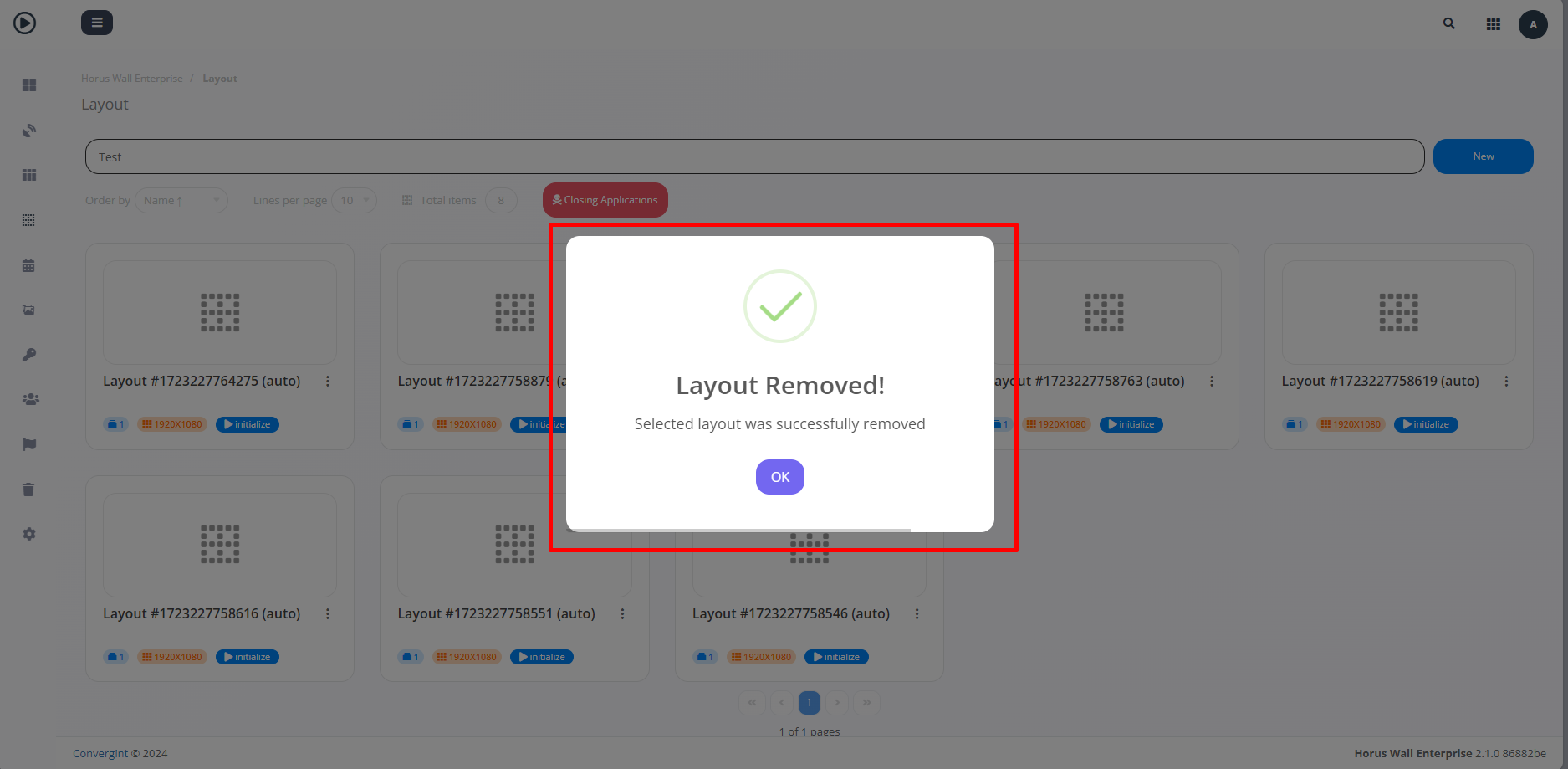
Once you've followed all these procedures, your project will have been successfully removed (highlighted).