Changing User Information
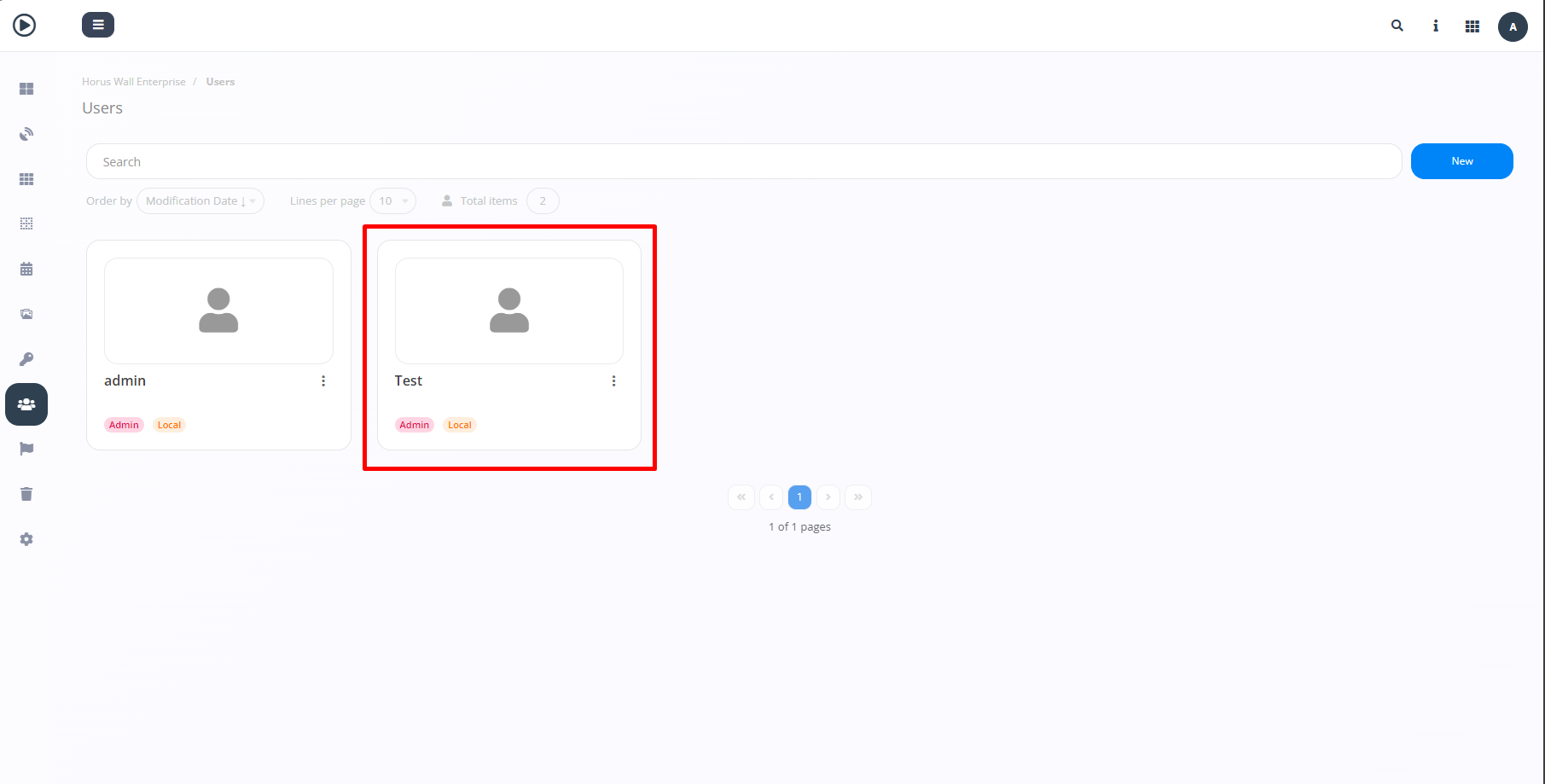
To change the information included for a user, you need to access the "Users" tab and select the previously created user whose data you wish to modify (highlighted).
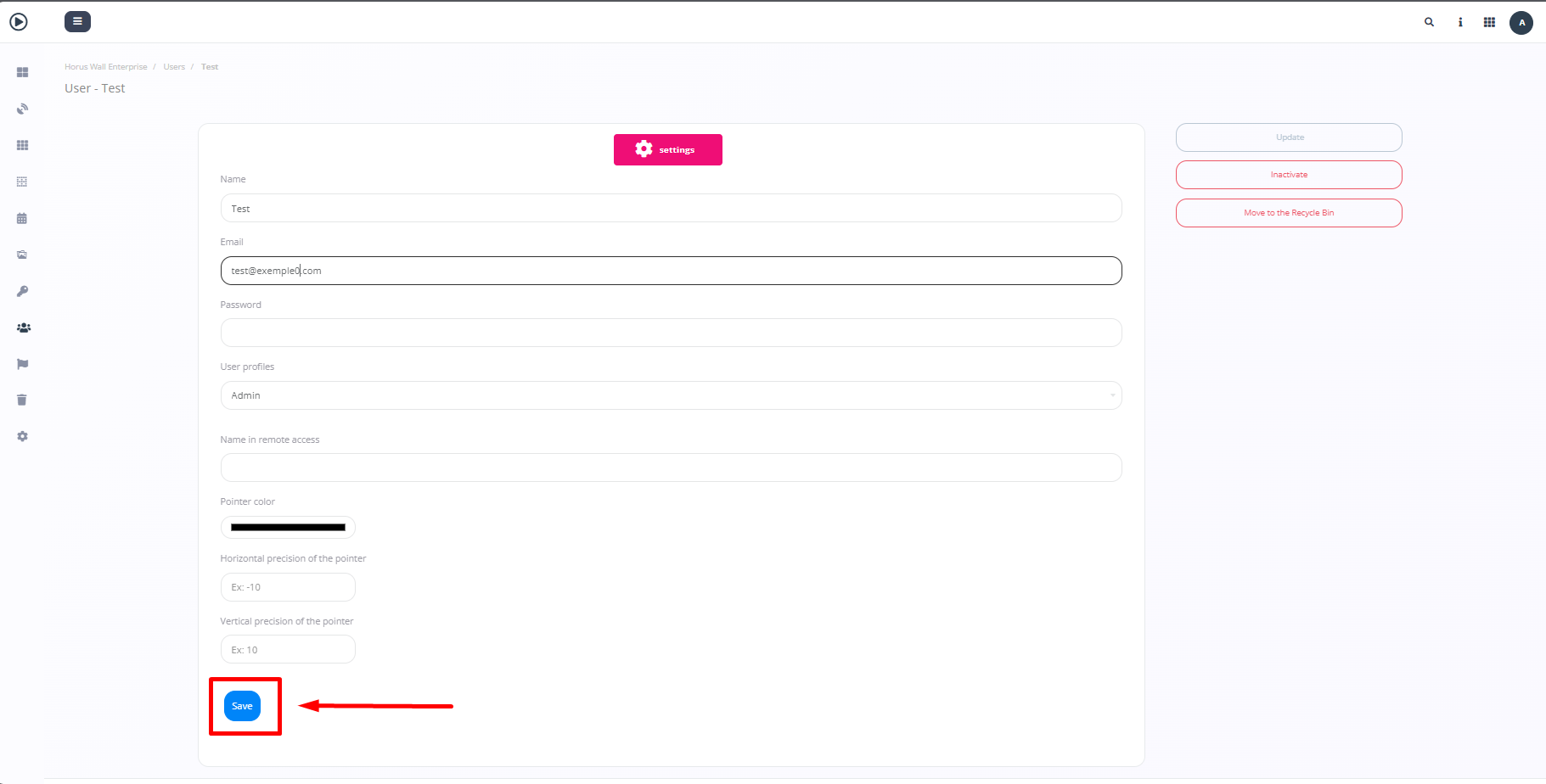
After selecting the desired user, simply modify the previously provided information. Once you have made the changes according to your preference, click "Save".