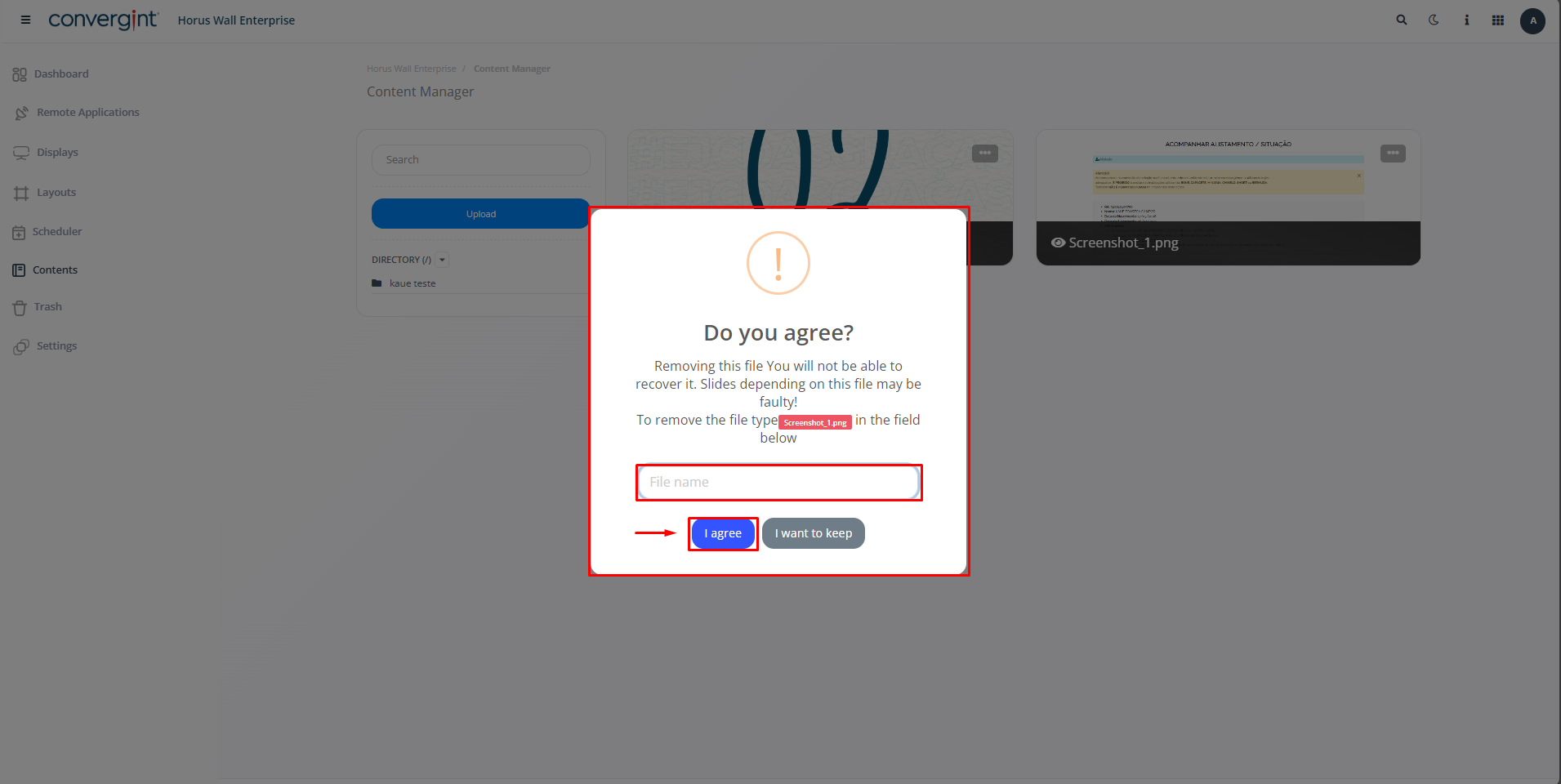
Content removal
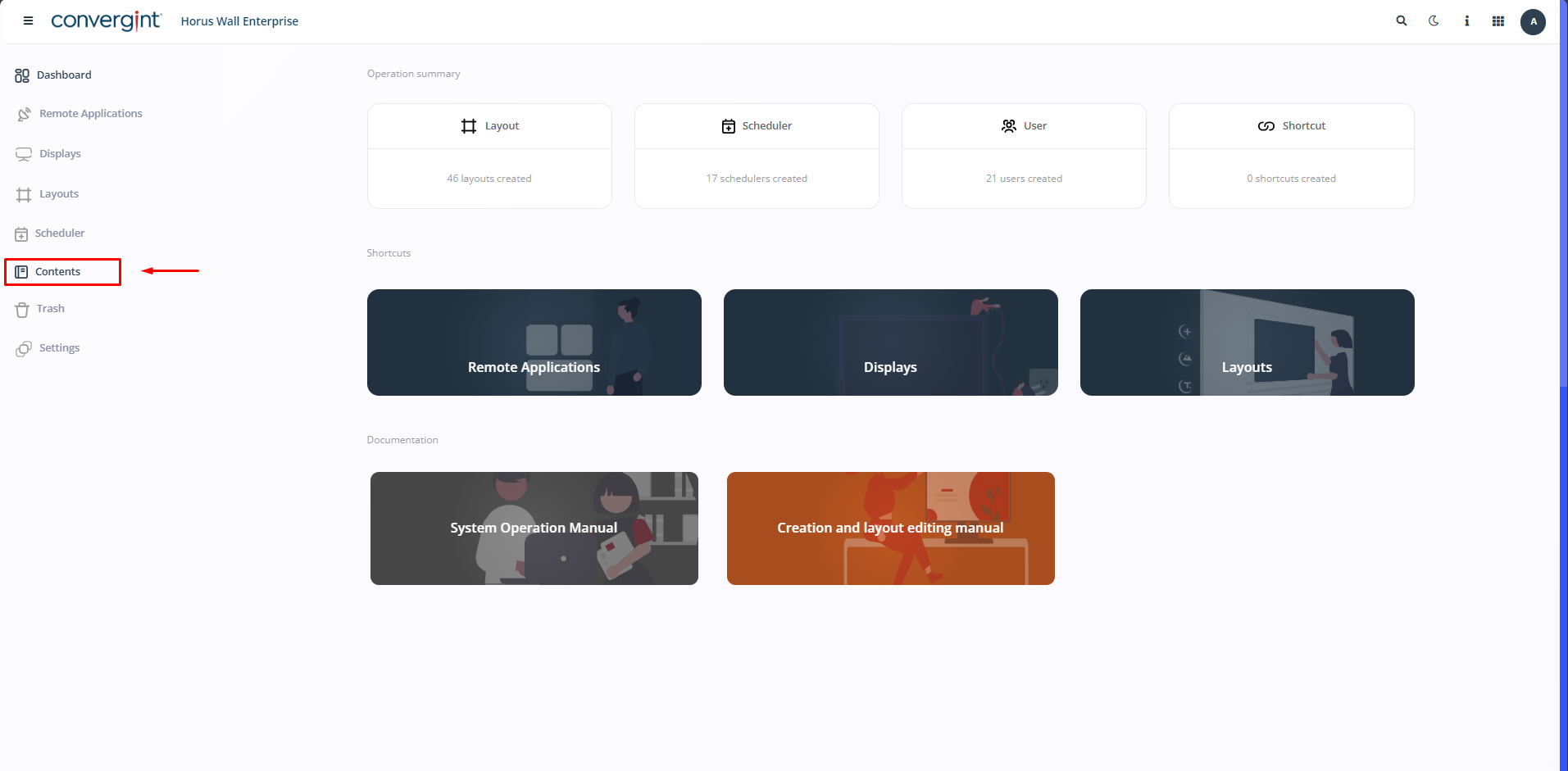
The first step in Removing Content is to access the “Contents” tab. Within this tab you will find functions that allow you to manage media files, such as images and videos, thus facilitating the Horus Wall Enterprise Slide Creation process.
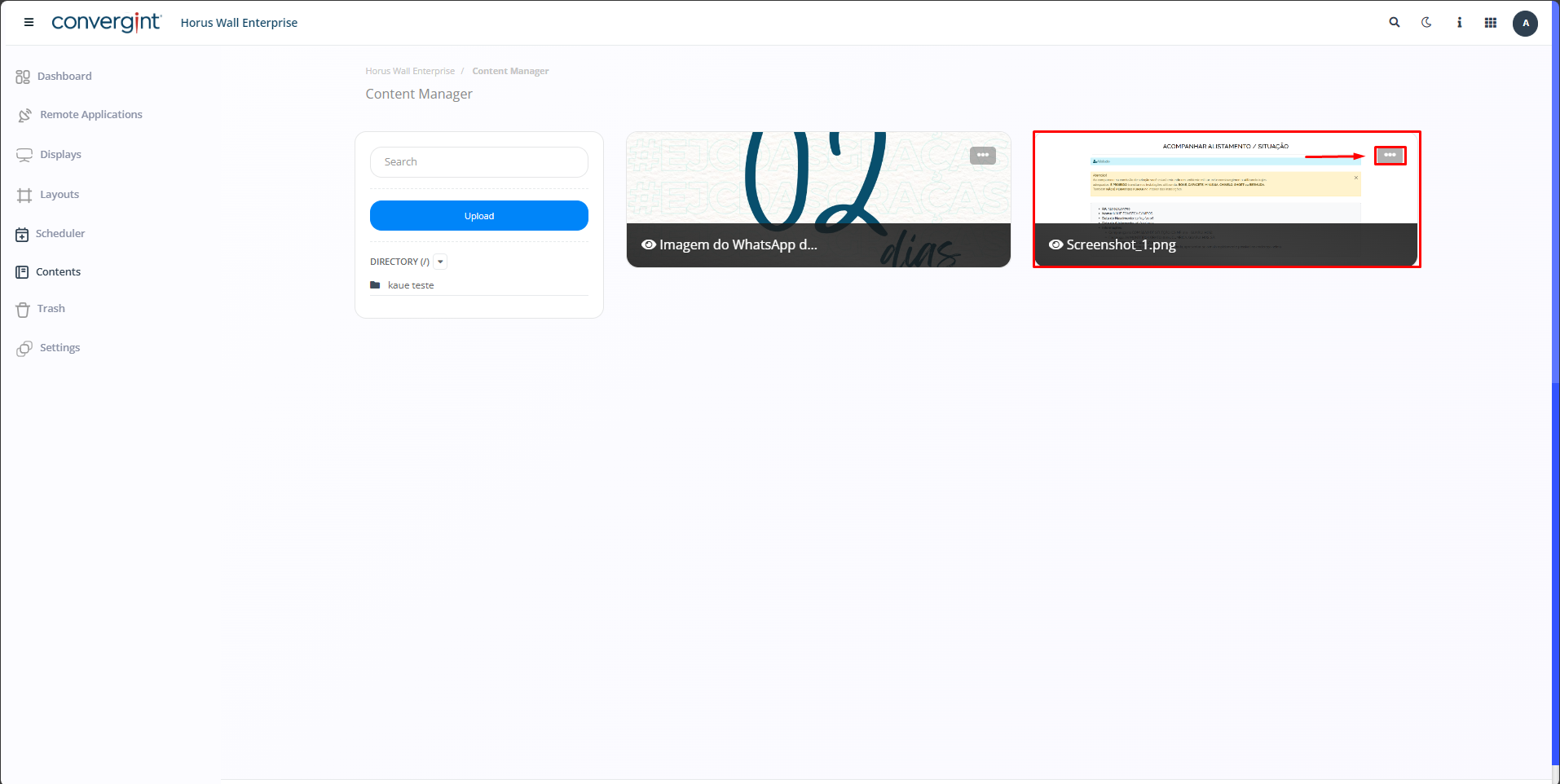
By following the steps described above, the desired file will be upload. To Remove Content, you can select it by clicking on the “three dots” next to the Content you wish to delete.
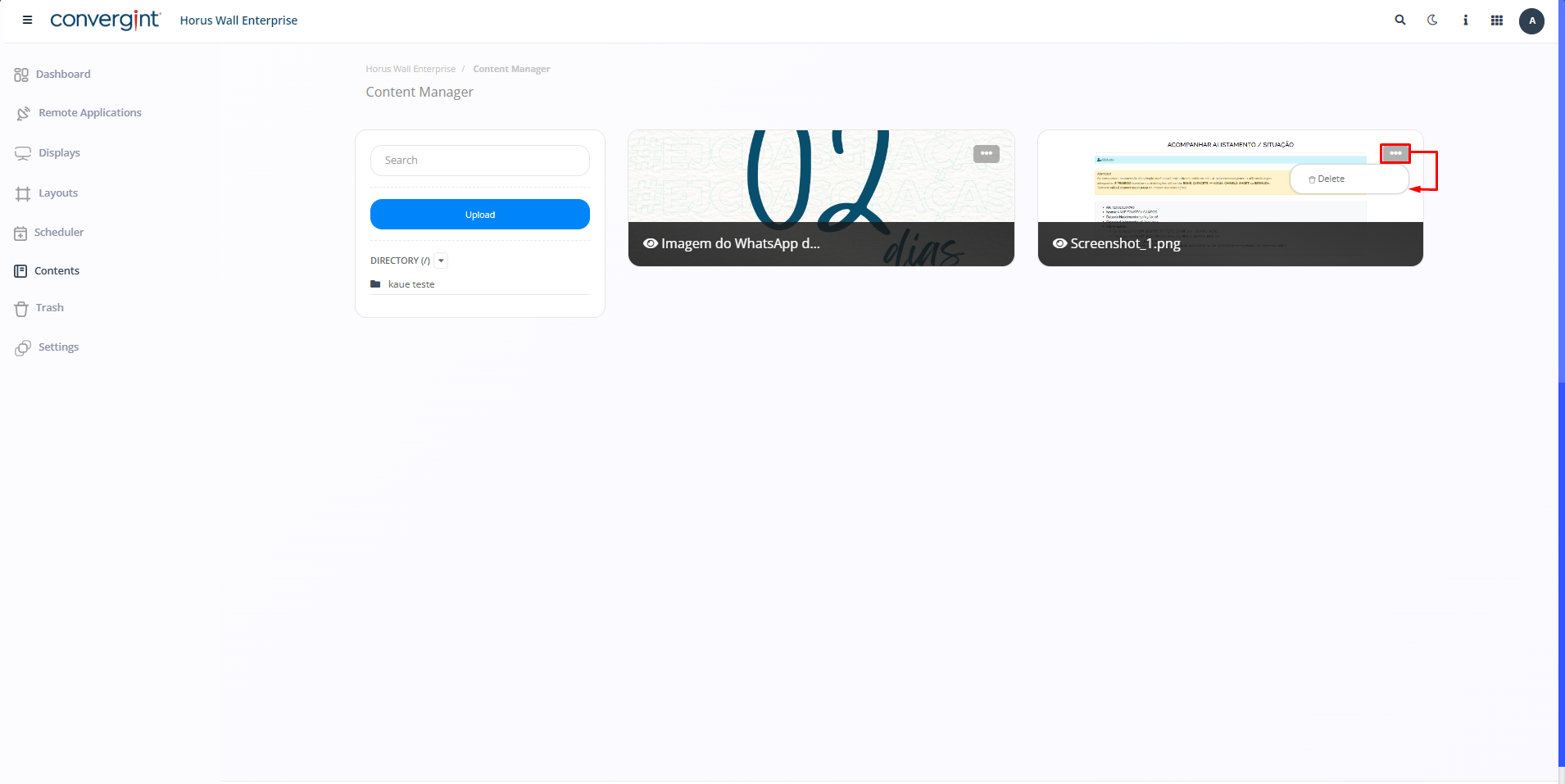
When you click on the “three dots”, all you have to do is click “Delete”, and only the selected Content will be removed.
The system will display a pop-up asking you to confirm that you want to remove the content by clicking “I agree”.