Layout creation
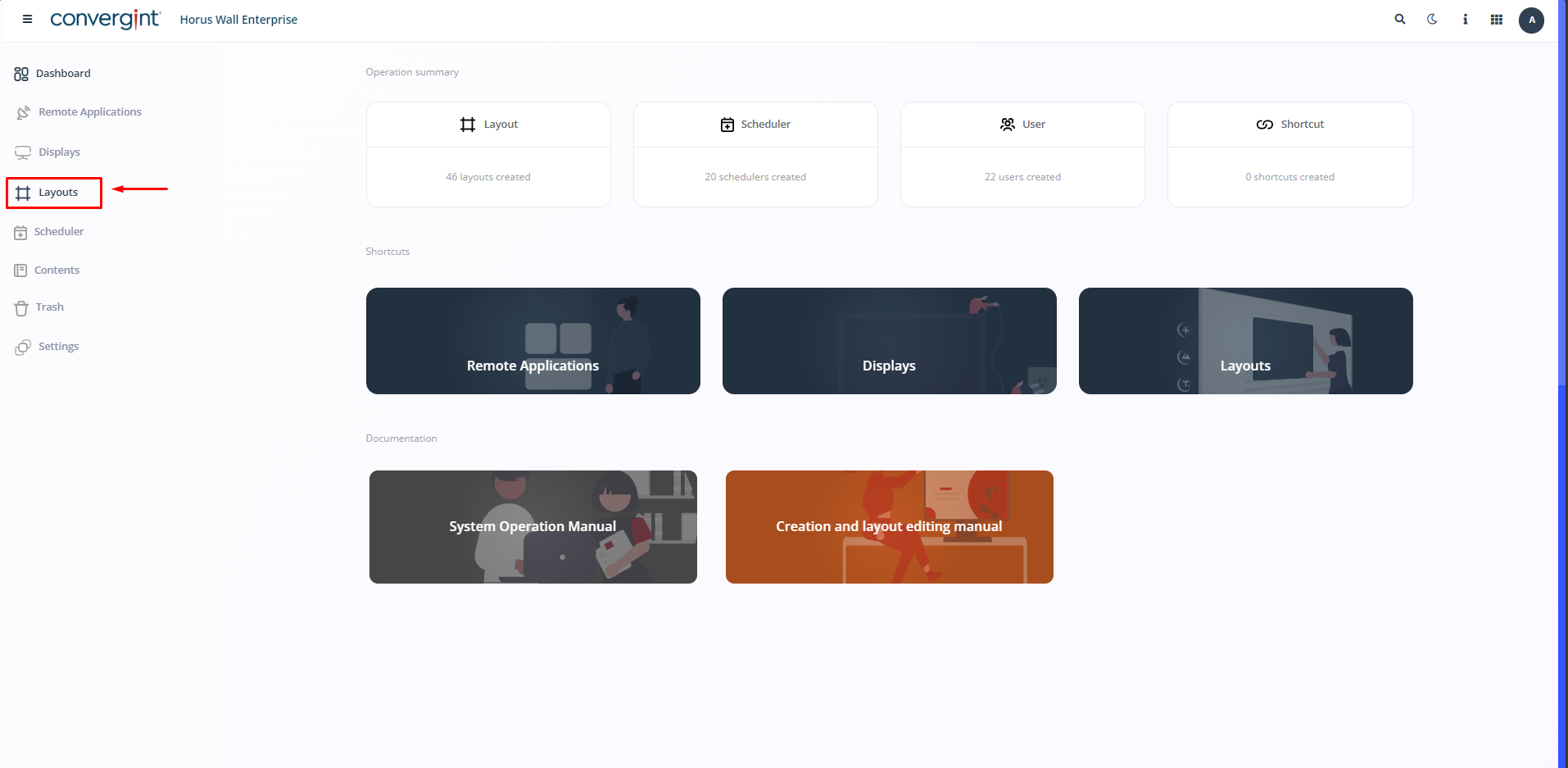
The first step is to access the “Layouts” tab. This tab is for creating your slides, presentations and other content, according to the functionality mentioned above within the Horus Wall Enterprise system.
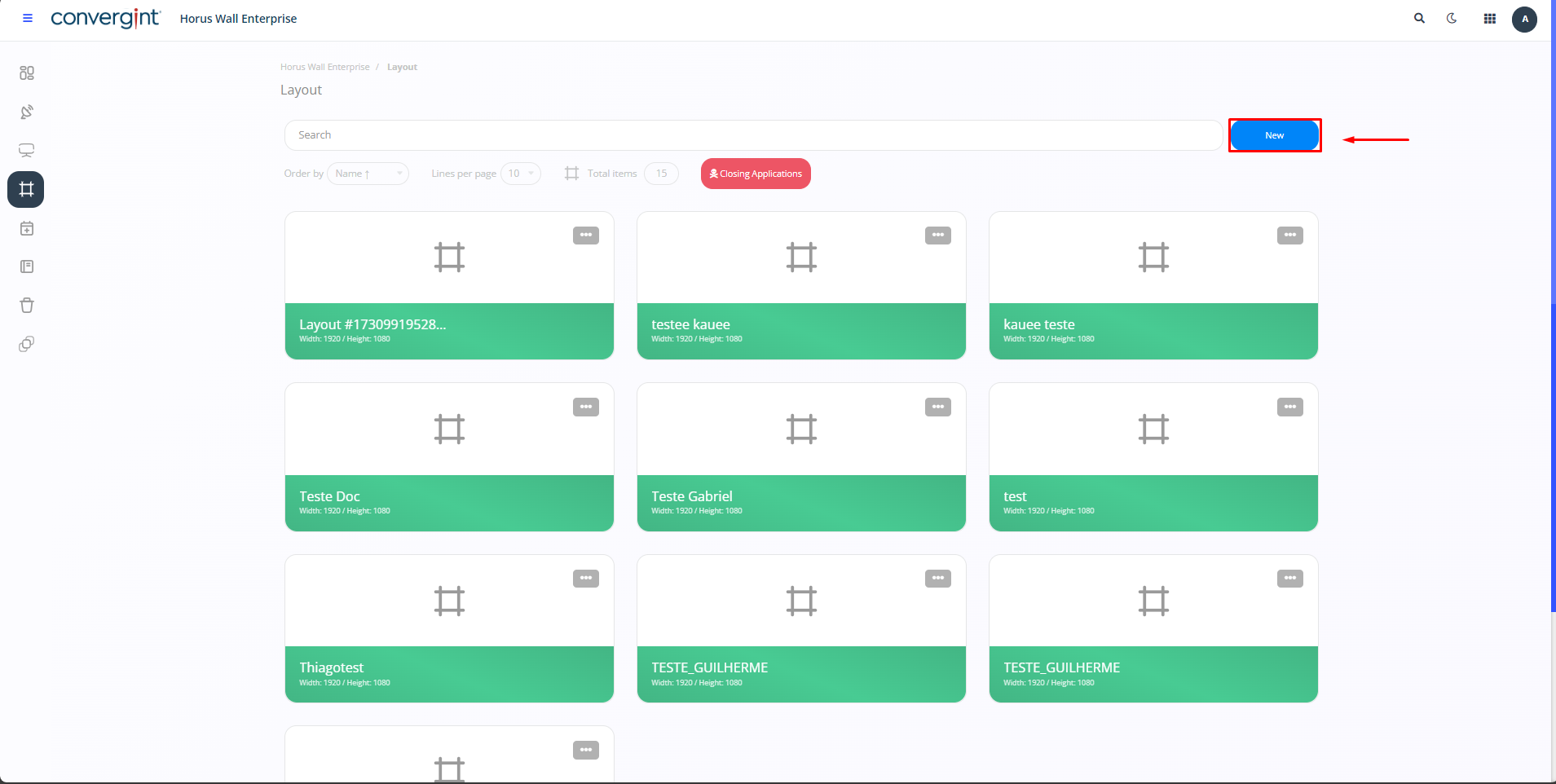
Next, click on the blue “New” icon in the top right-hand corner of the screen to start the layout creation process.
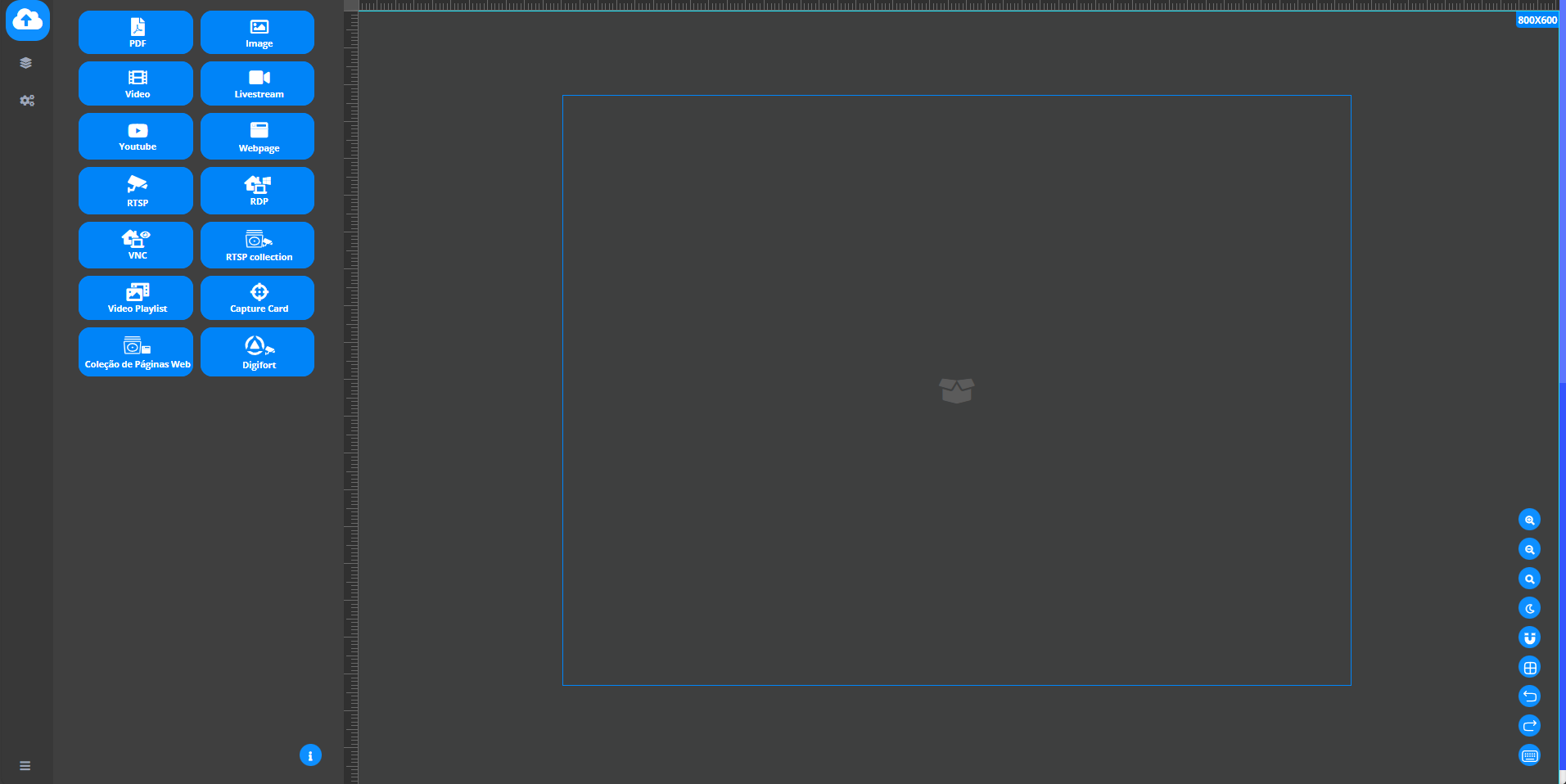
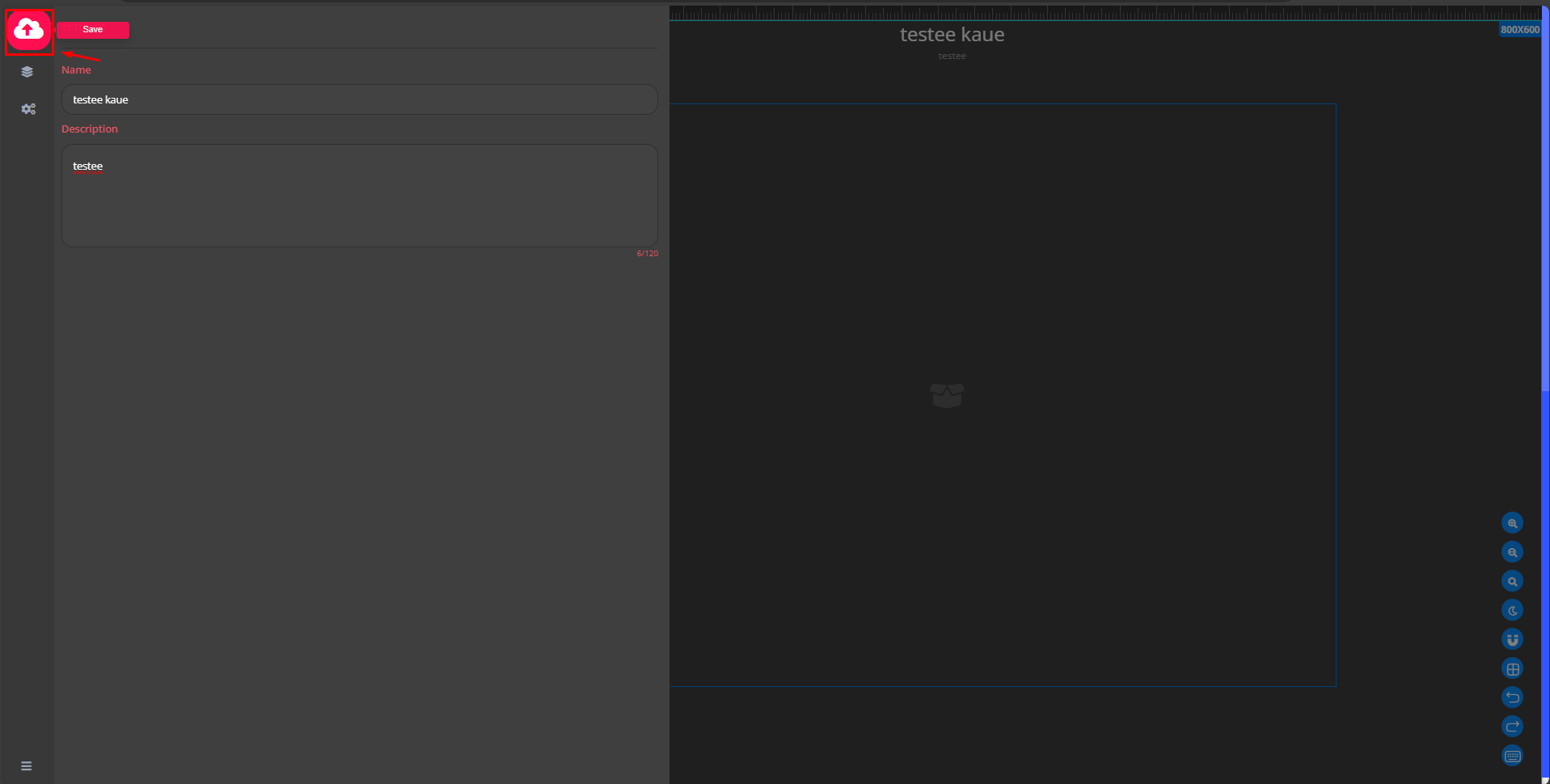
To assign a name to the layout you have created, click on the “Settings” icon in the top left-hand corner of the screen. You will then be presented with the option to select a name and enter the description of your choice.
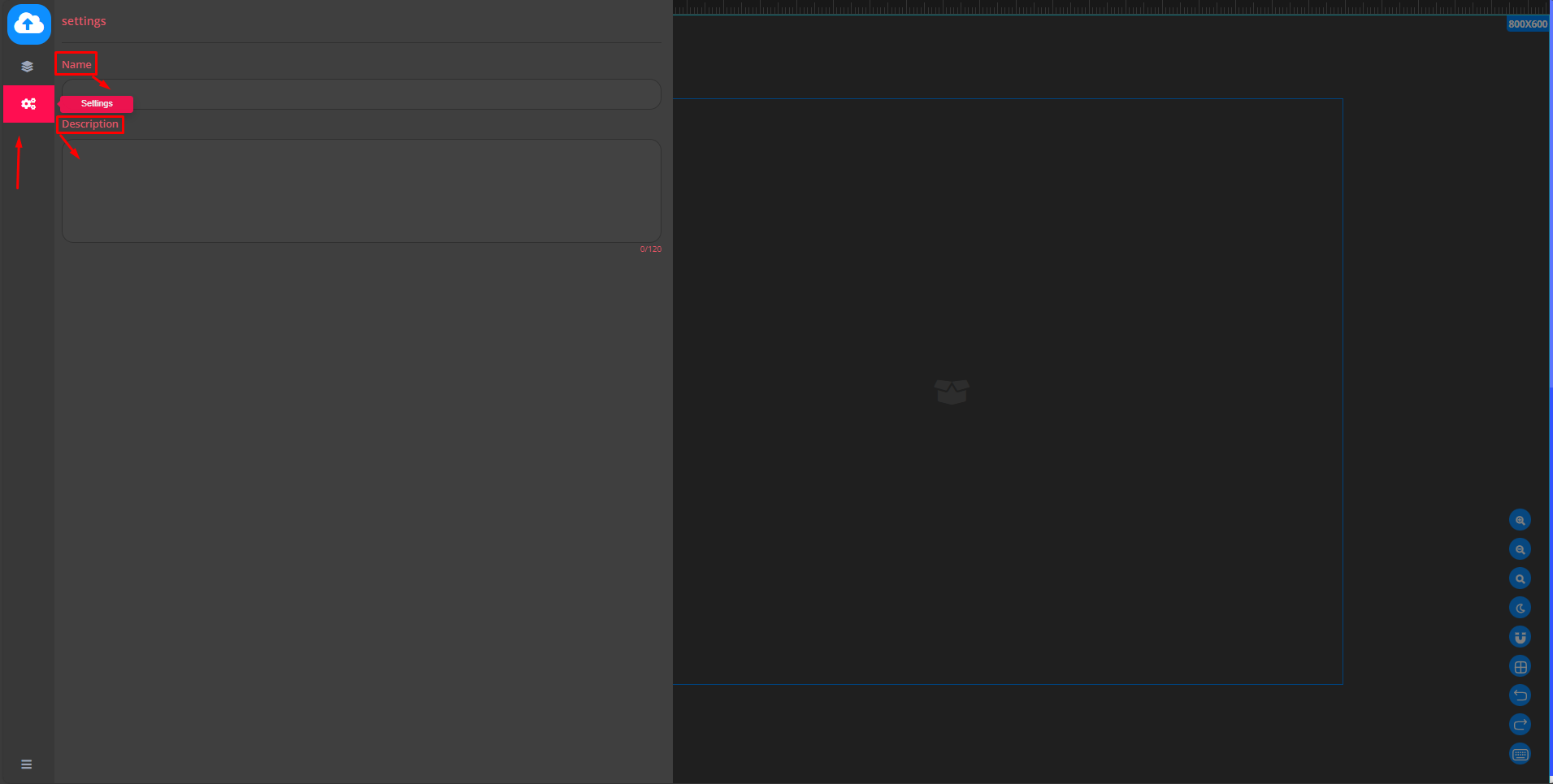
After selecting the name and description, click on the “Save” icon to register the changes made.