Starting and shutting down layout applications
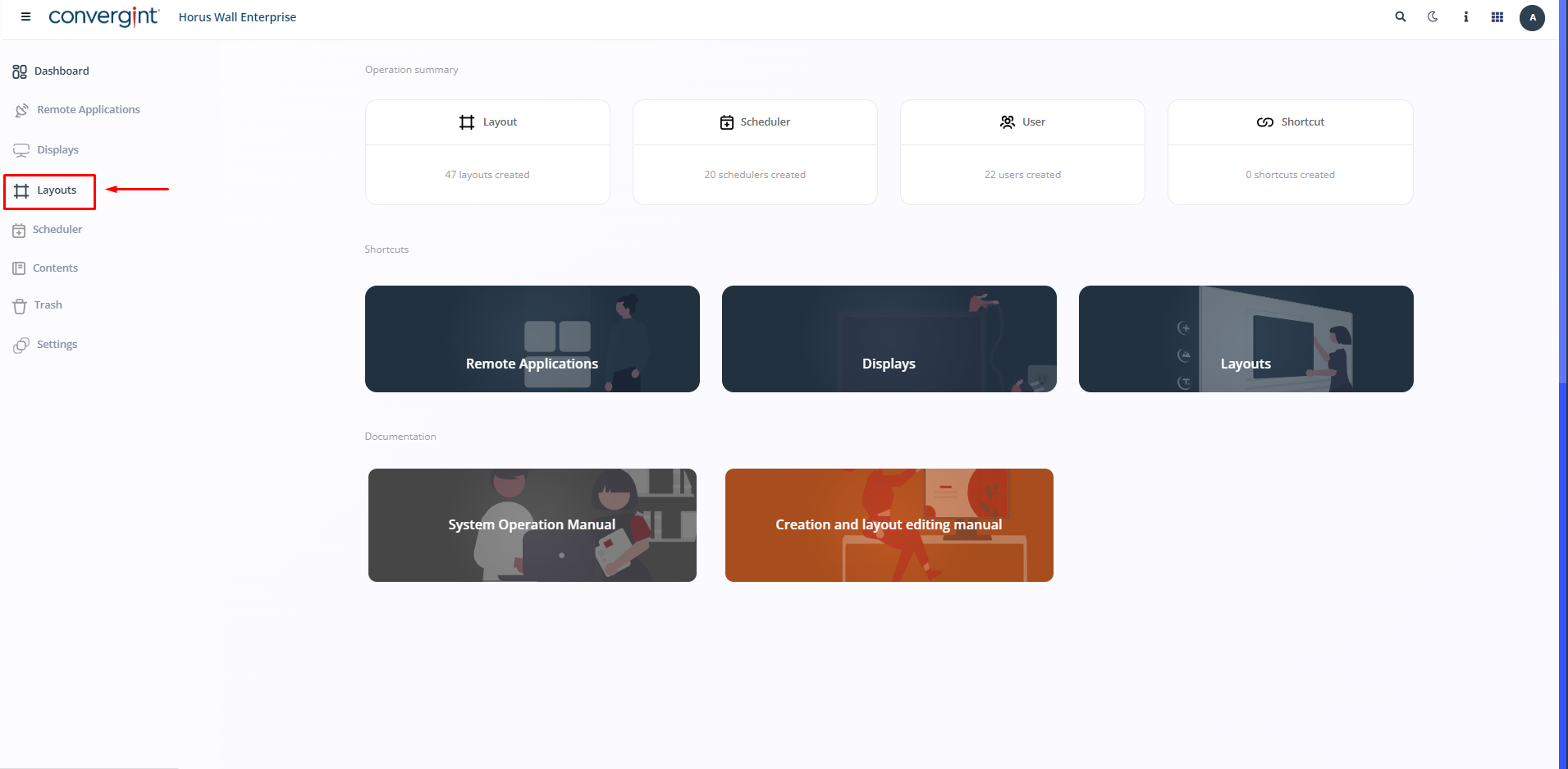
To start layouts on another server, first go to the “Layouts” tab. The Remote application must be installed on the server from which the layouts will be started. This function allows you to start any type of presentation on another server.
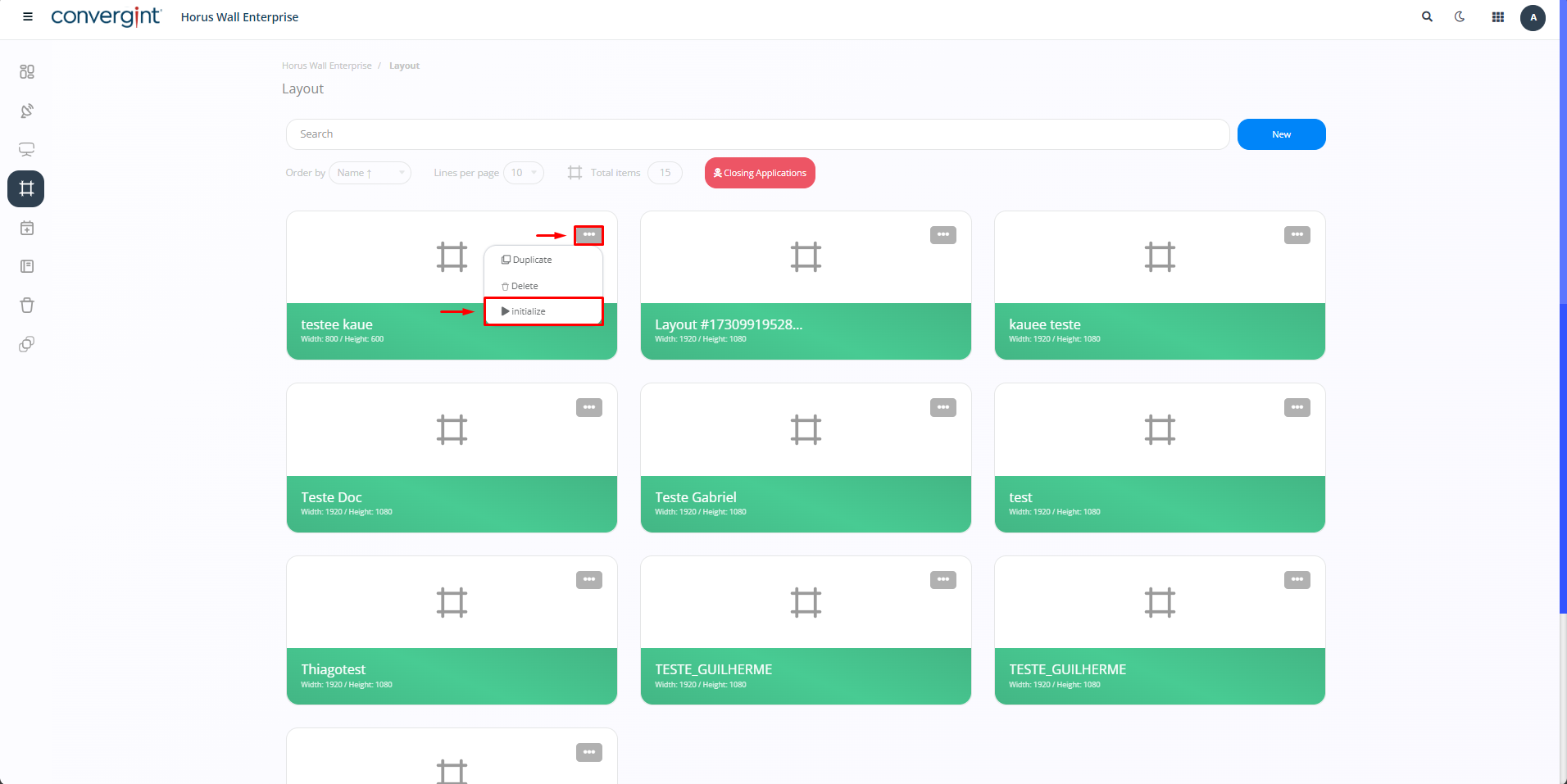
Next, select the layout you want to start on another server. Then click on “Initialize”, located in the option represented by the three dots.
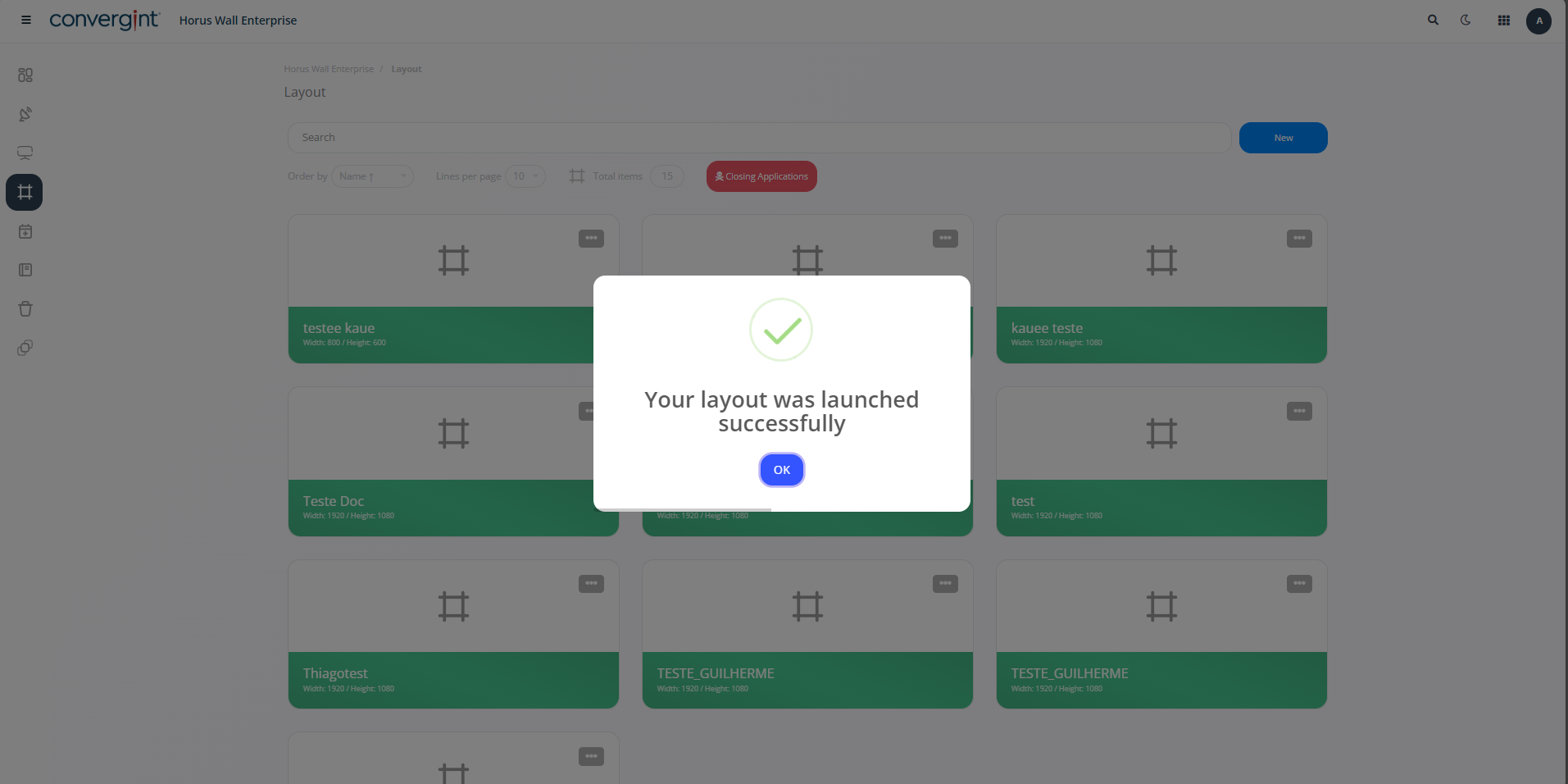
After this, a confirmation message will appear indicating that the process has started, and the layout will be loaded from the Remote App.
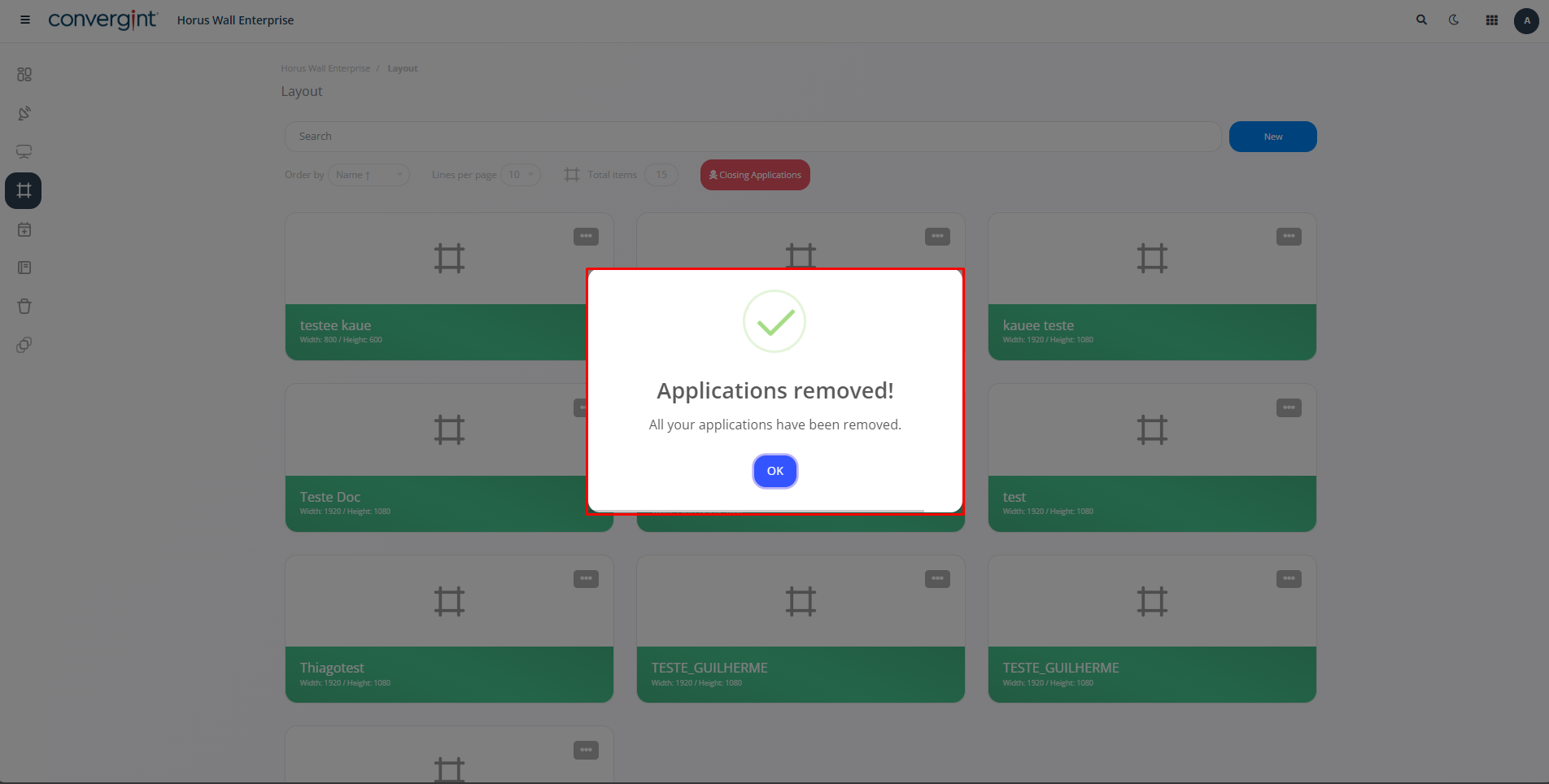
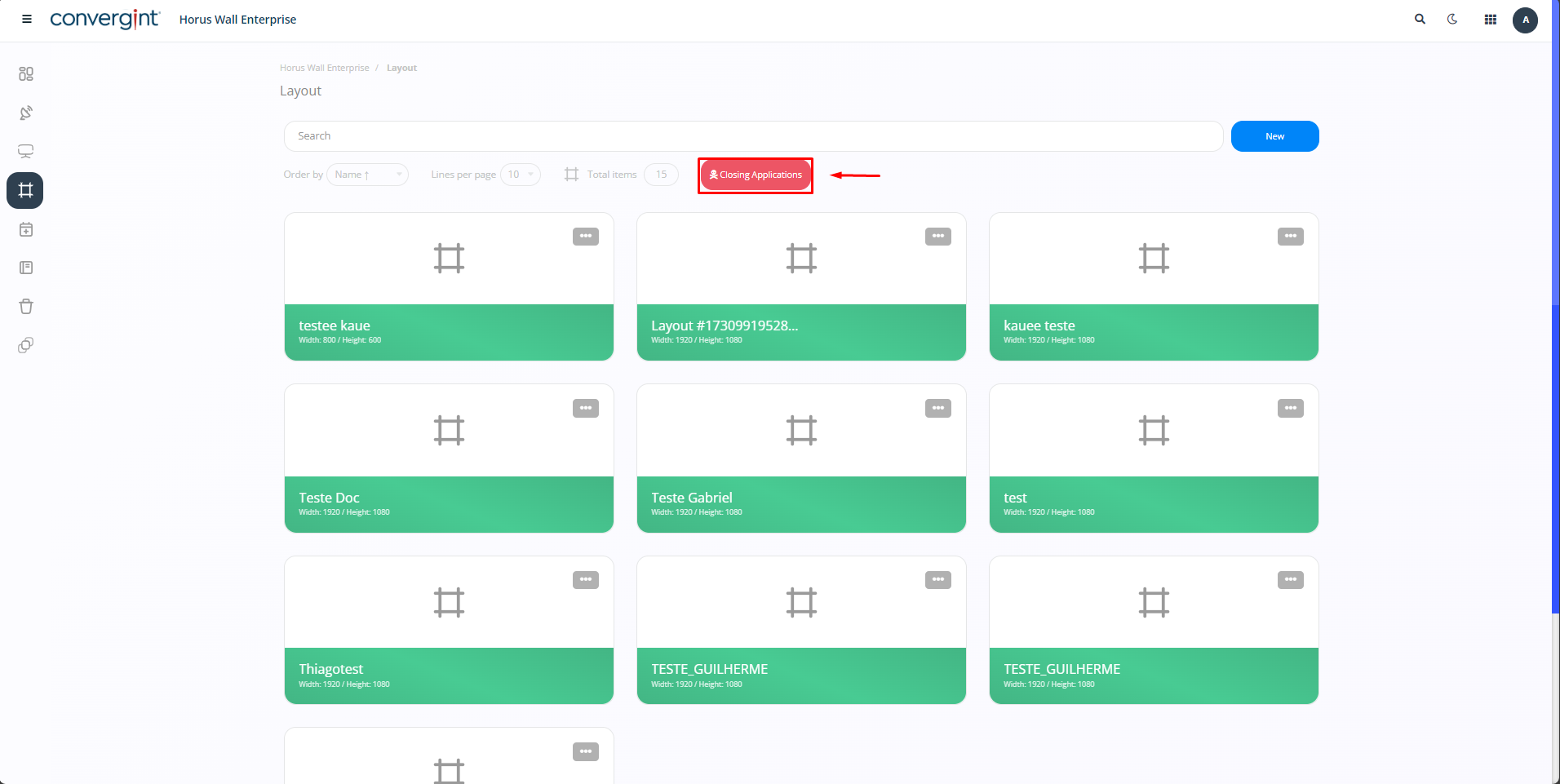
To close layout applications, simply access the “Closing Applications” option. When you do this, a message will appear asking you to confirm that you want to proceed with the closure. Enter the information requested and then click “I Agree” to complete the process.
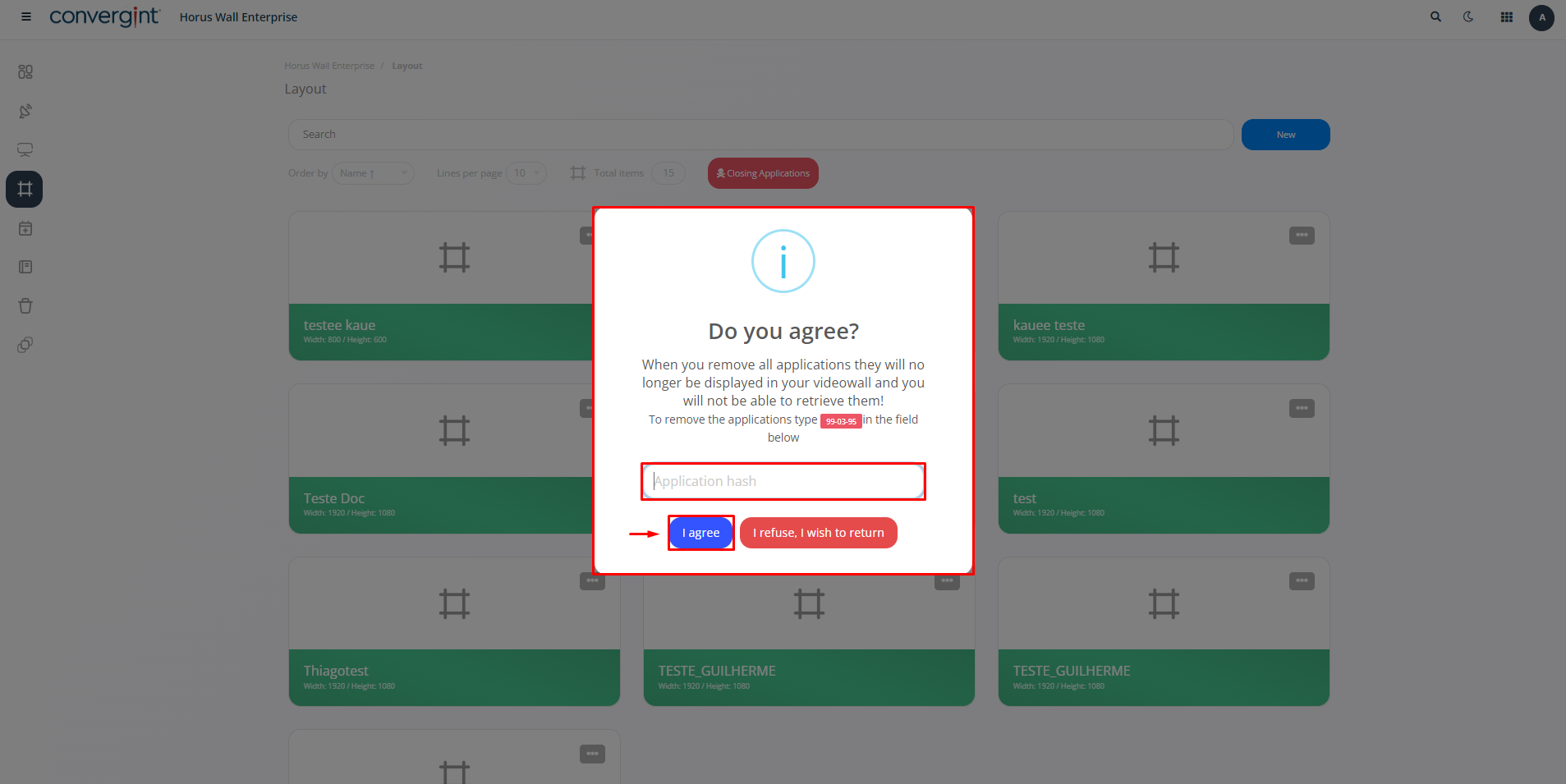
After confirming by clicking “I agree”, a confirmation message will be displayed informing you that the applications have been successfully closed.