Change Scheduler Information
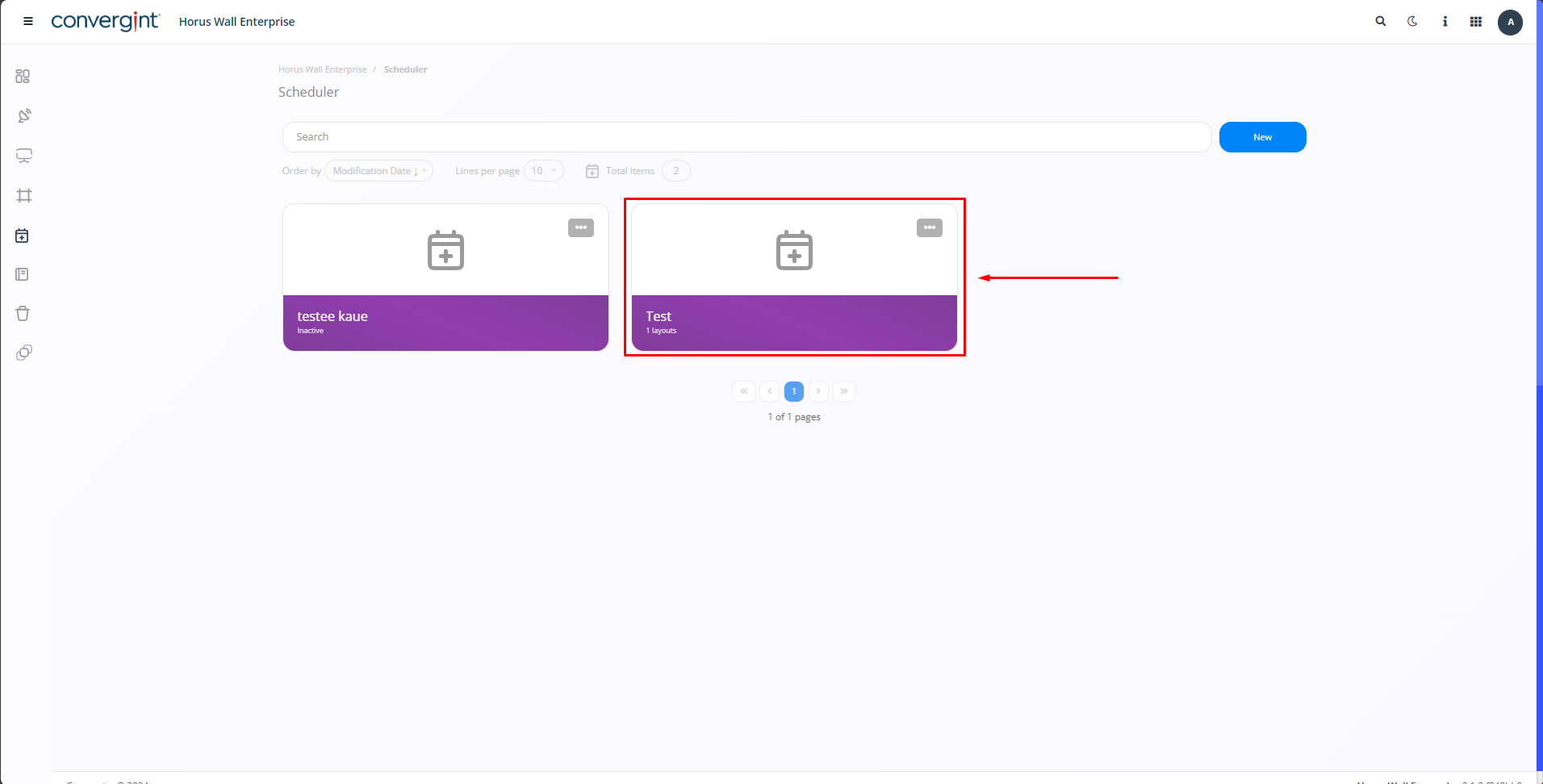
To make changes to the information included in the scheduler, you need to access the "Scheduler" tab and open the previously created scheduler, directing it to the record you wish to modify.
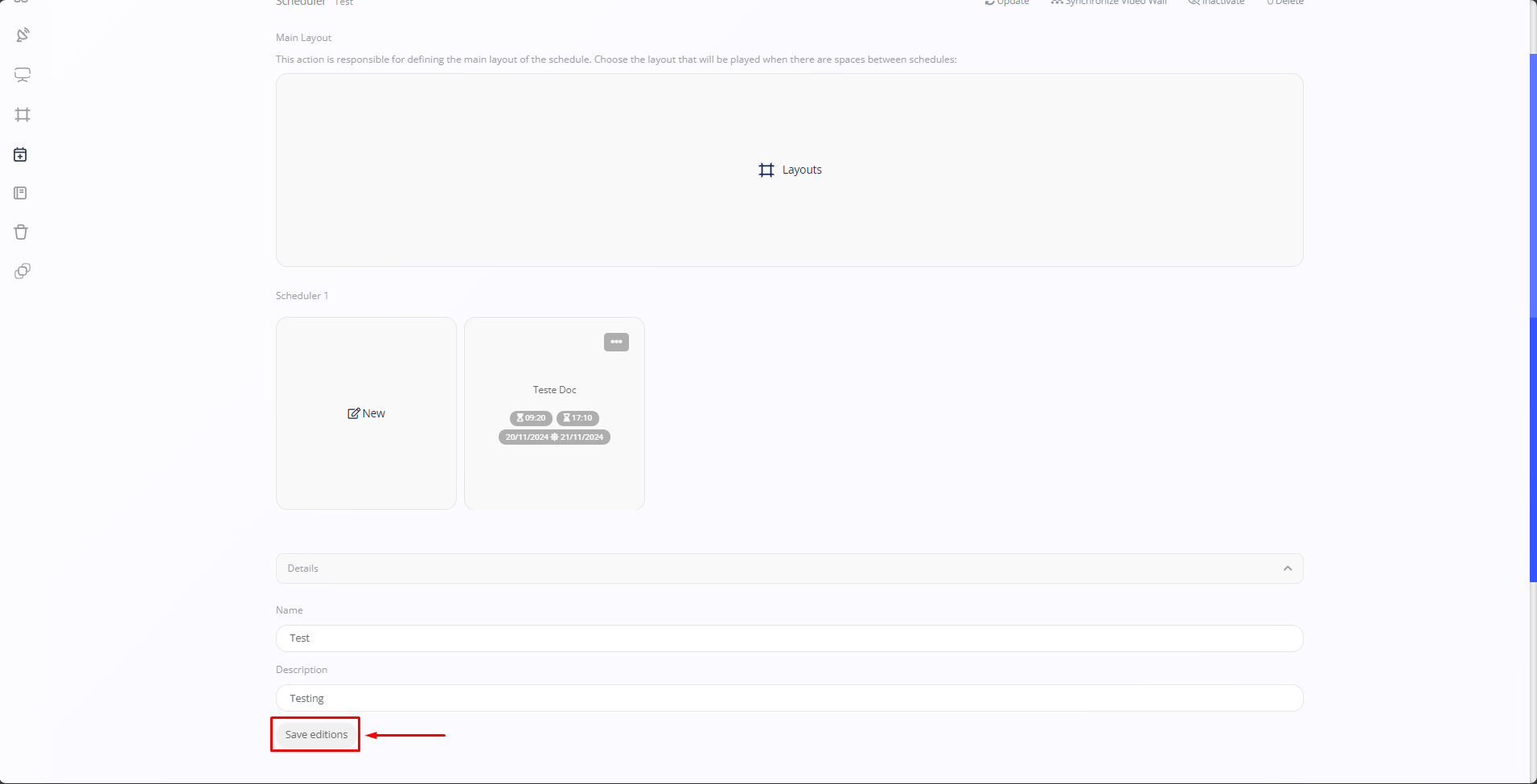
After selecting the previously created scheduler, you need to access the section labeled "Details" in order to modify the data provided earlier.

After selecting the section, you need to modify the information previously provided by a specific user. Once you've updated the data according to your preference, click on "Save editions."
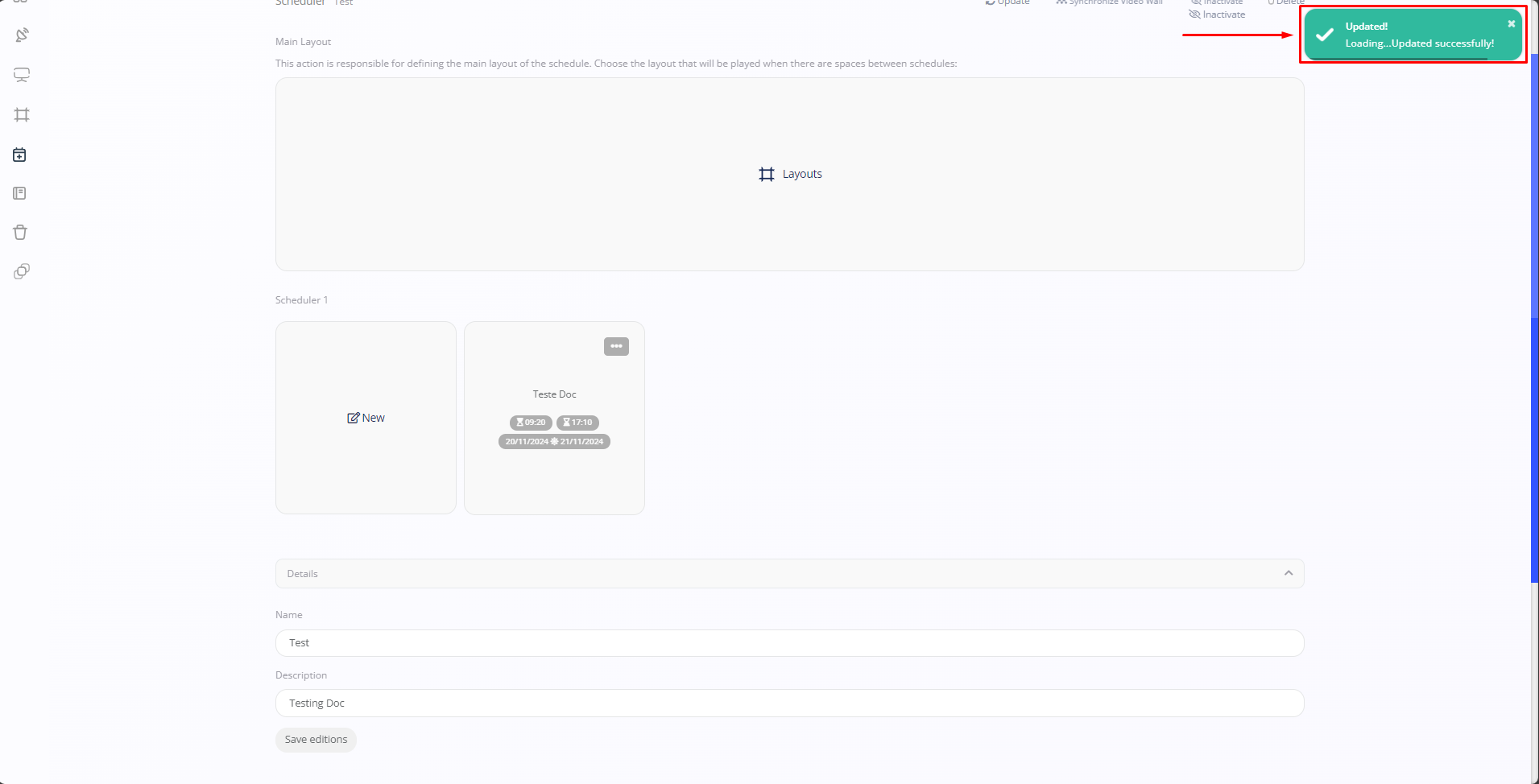
Once you click, the changes will be updated.