Adding Directories Inside Other Directories
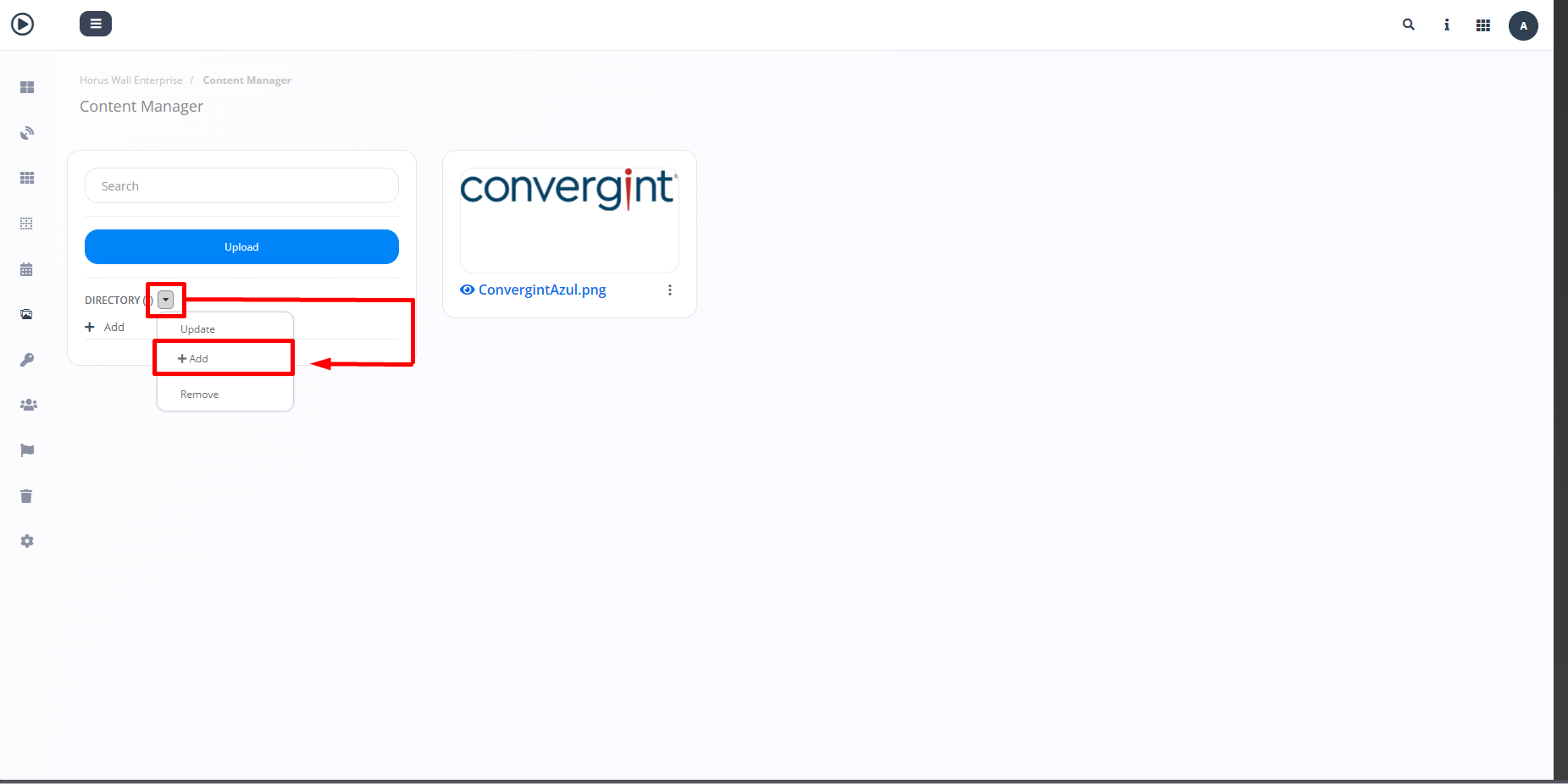
By following the steps described above, the directory will be created. To add directories within other directories, go to the desired directory and click on the more options button. Then click on "+Add" to create the new directory.
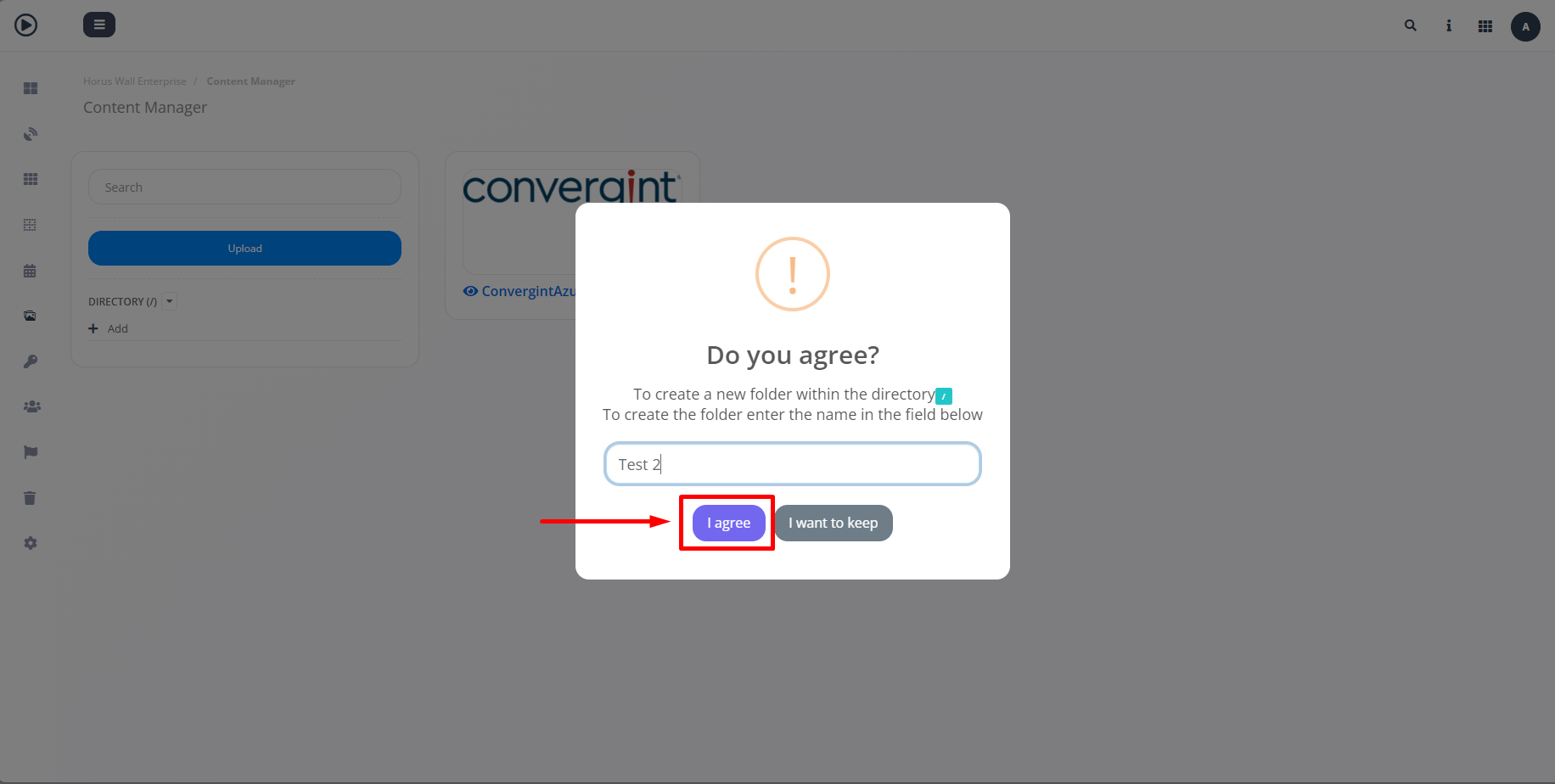
When you click on "+Add," a pop-up will appear asking you to enter a name for the directory so that it can be created. Once you have entered a name, click "I agree" to confirm.