Removing Content
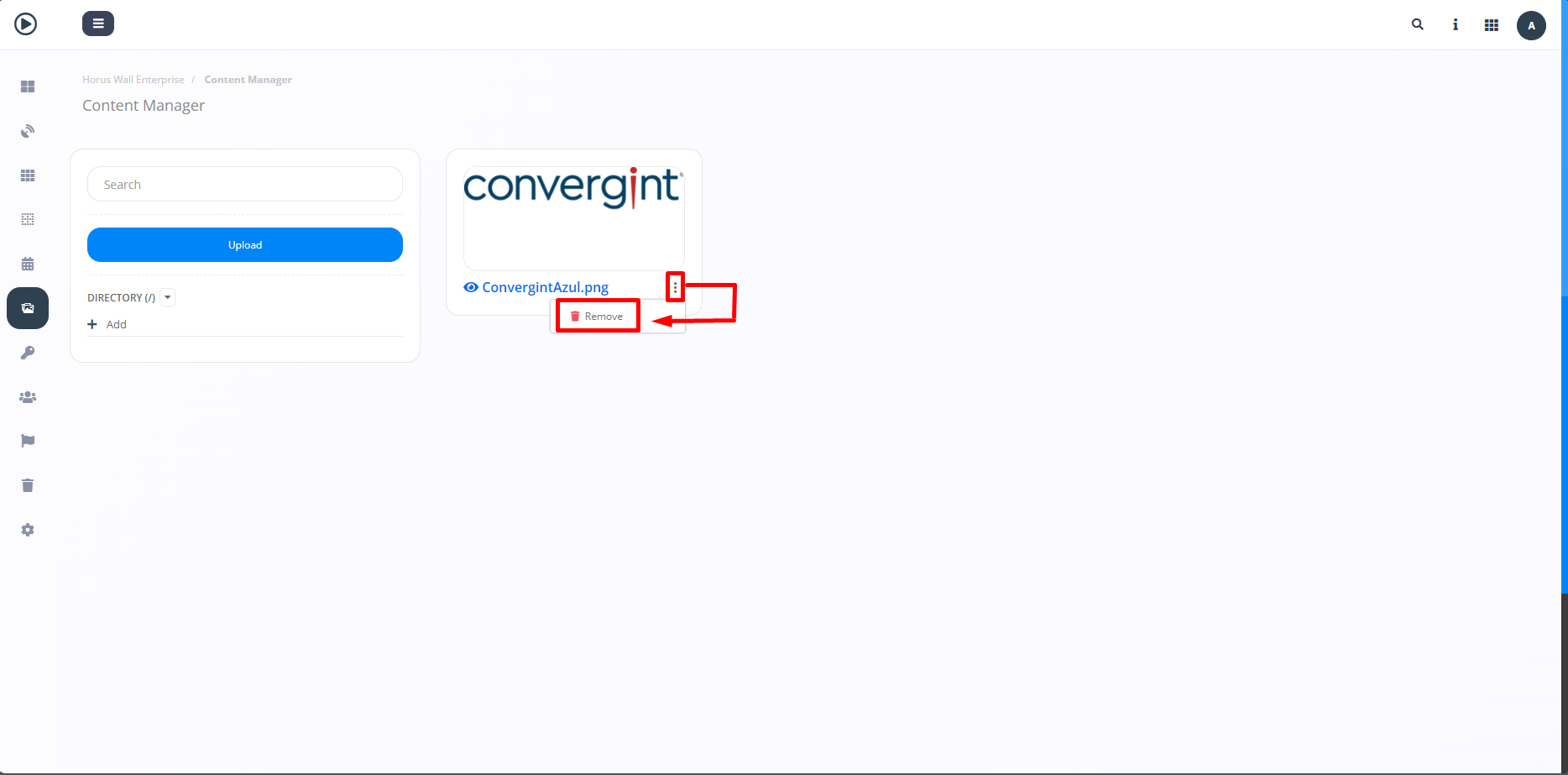
By following the steps described above, the desired file will be uploaded. To remove the content, click on the three dots next to the item you want to delete (highlighted) and select "Remove." This will allow you to remove the content according to your preference.
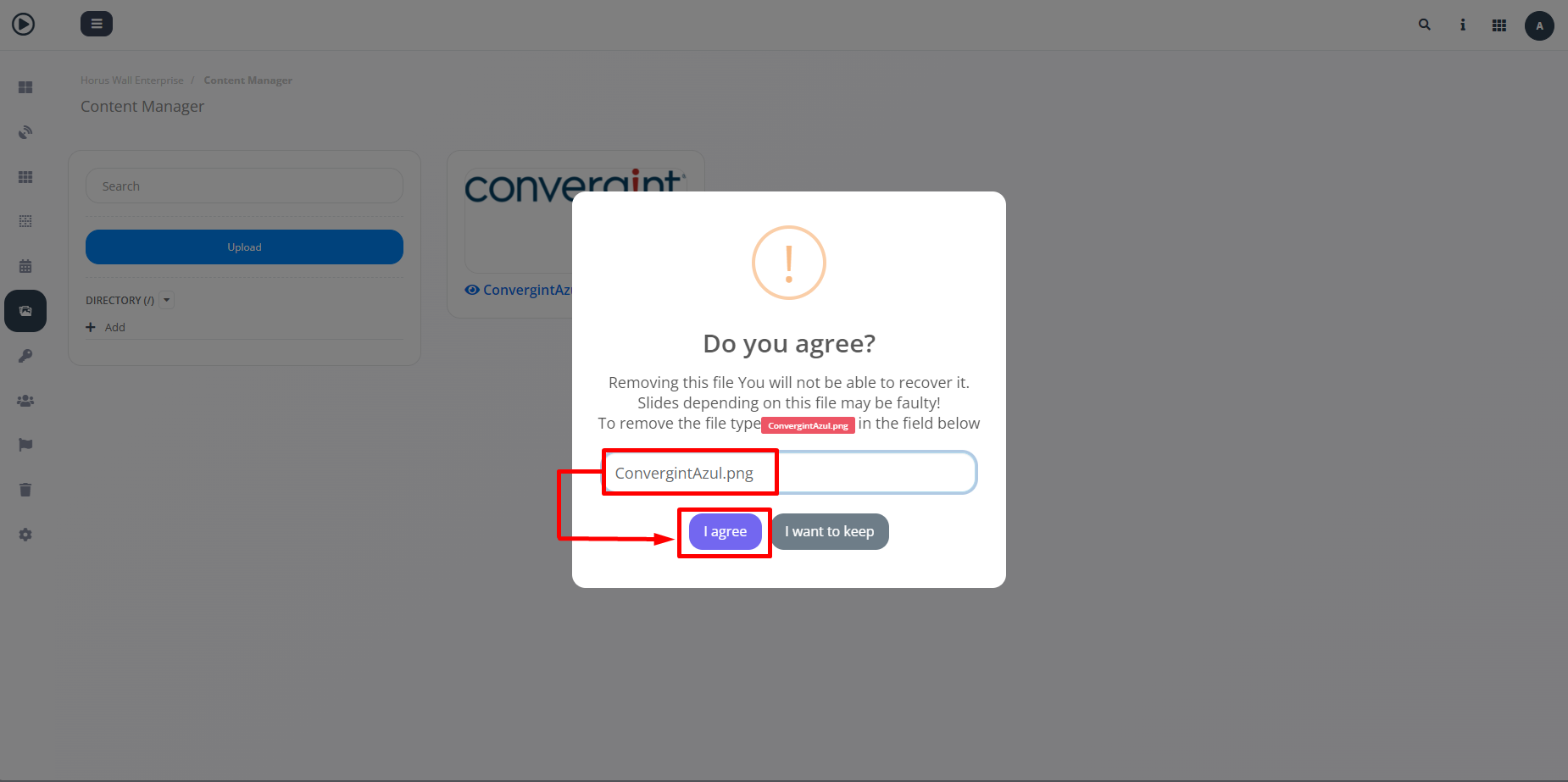
When you click on "Remove", the system will display a pop-up asking you to confirm that you want to remove the content, so remove the content by typing the name of the file in the field indicated and then clicking on "I agree."