Removing a Main Layout
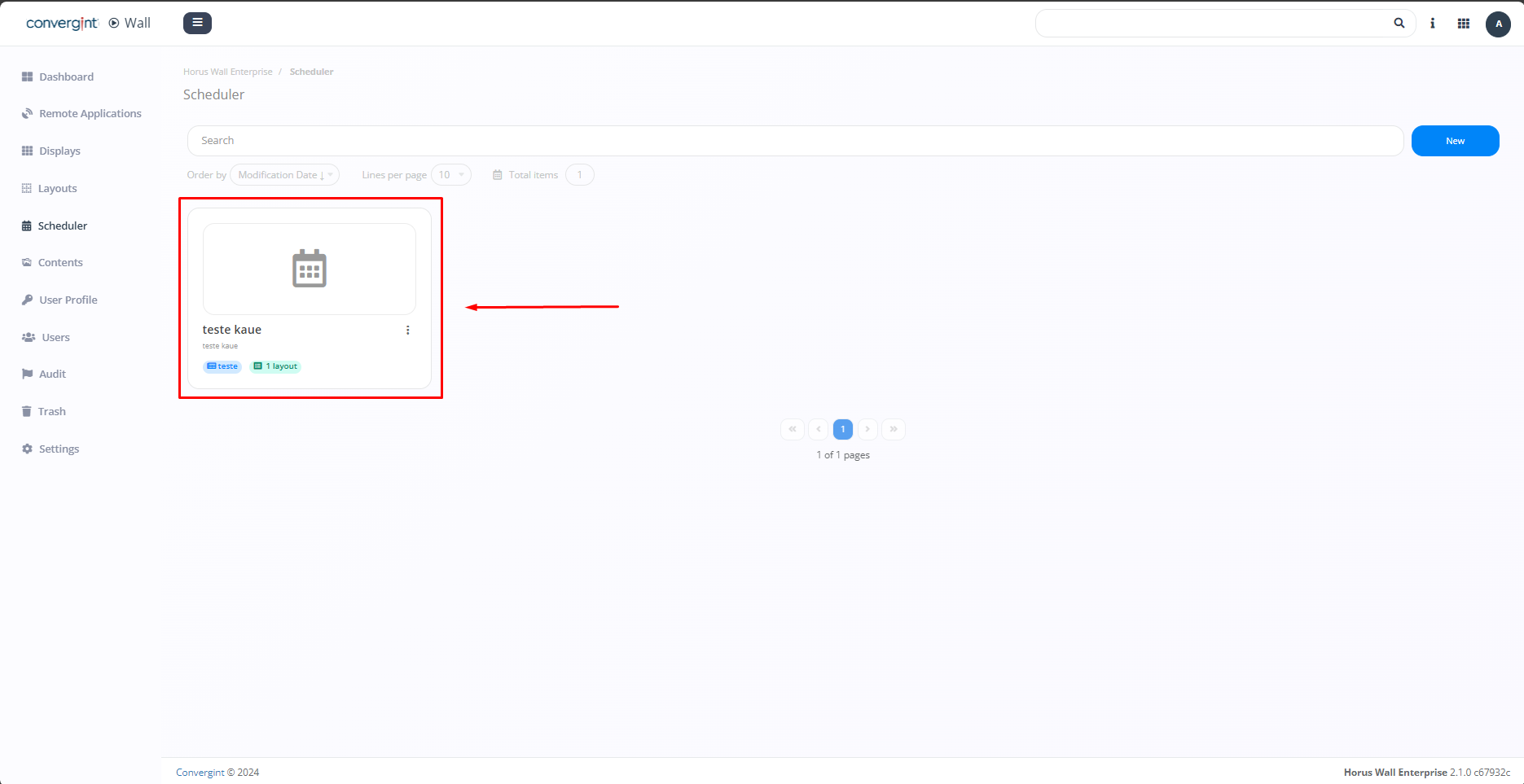
By following the steps described above, the schedule will be registered. To remove a main layout, you need to access a previously created schedule that you want to remove the layout from.
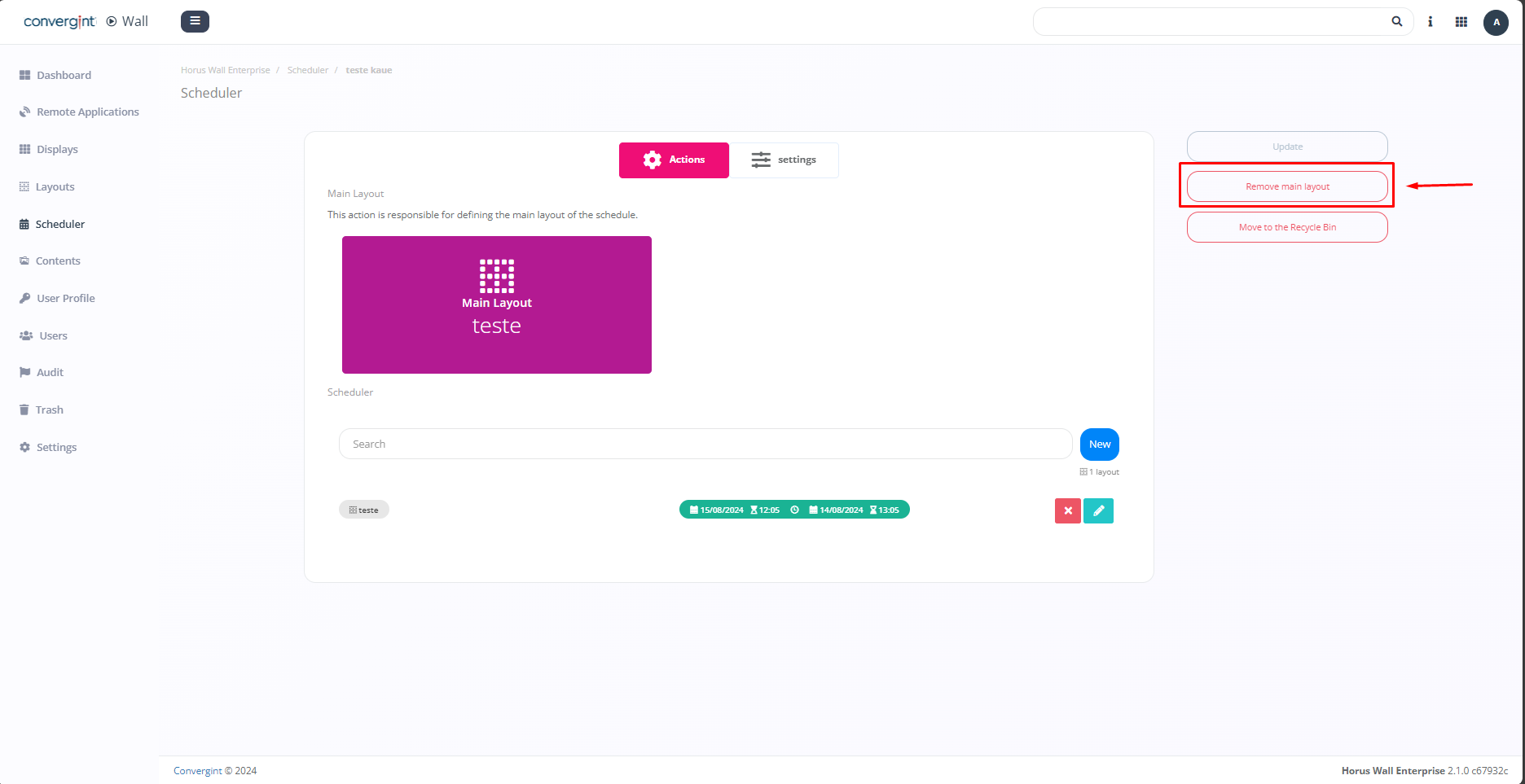
Upon accessing it, the system will display the scheduler interface, where you can remove the main layout by clicking "Remove Main Layout."
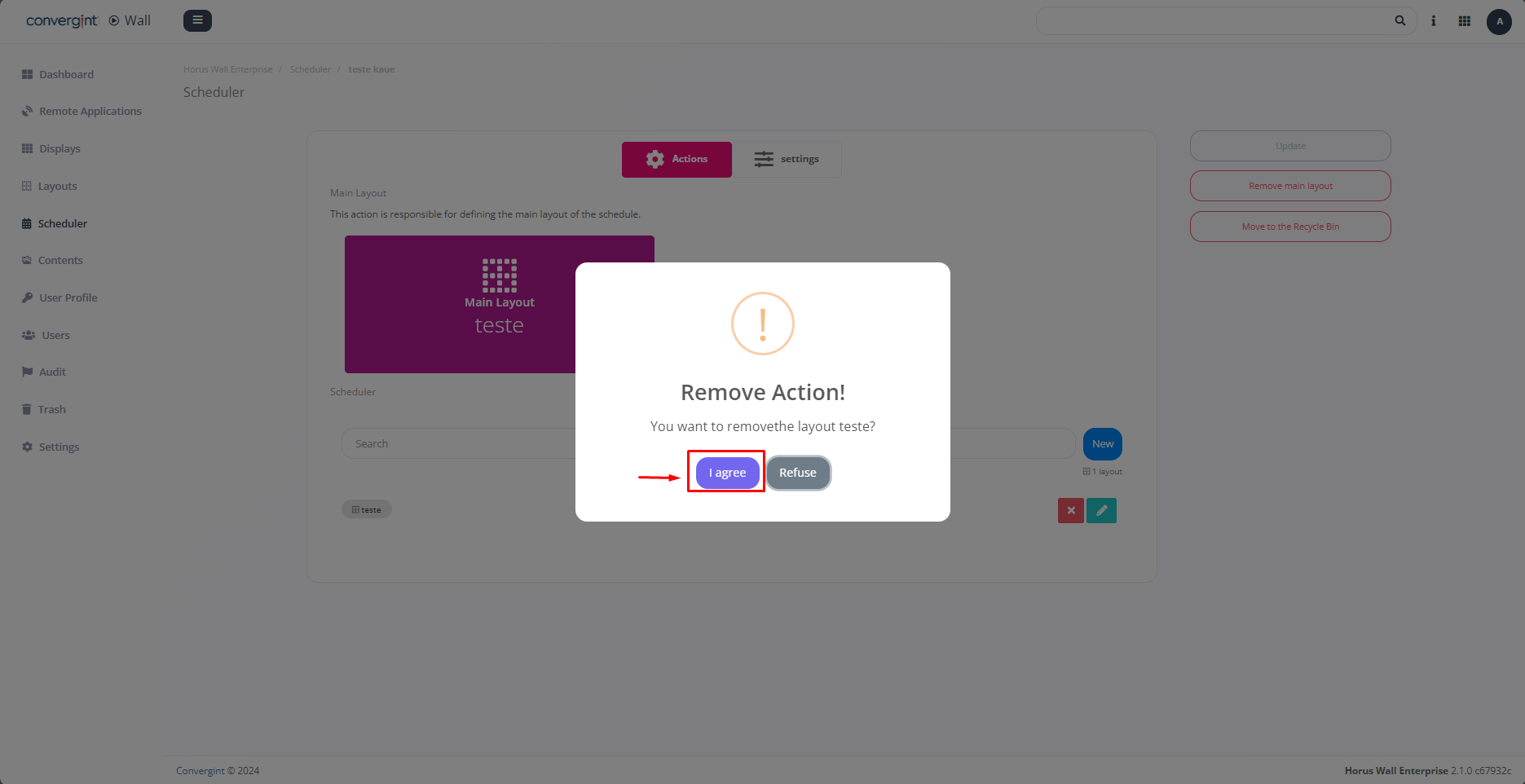
Upon selecting the option, a pop-up will appear requesting confirmation before proceeding with the corresponding action (highlighted). Then, click "I agree" to remove the main layout.
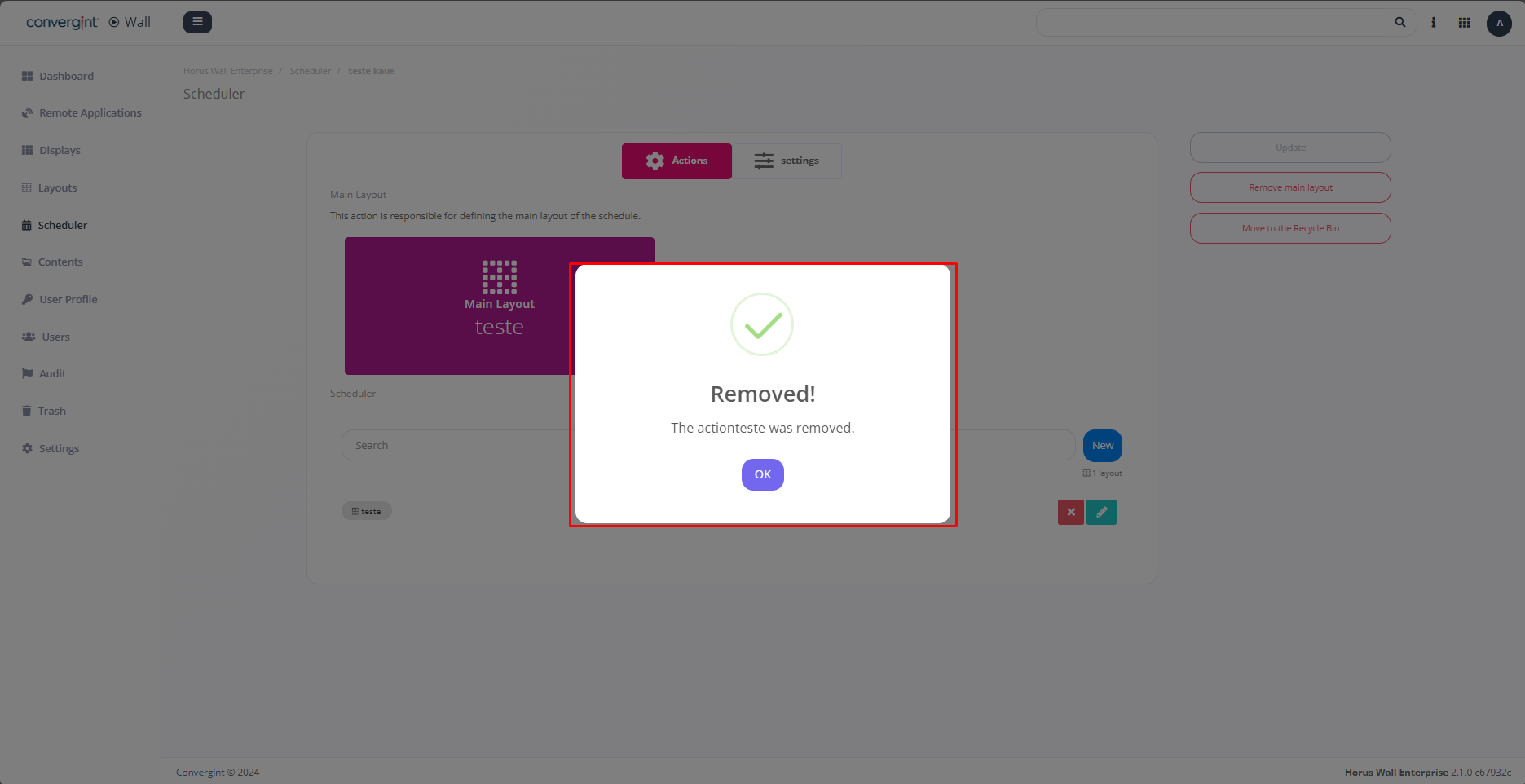
Upon clicking "I agree," the main layout will be removed (highlighted).