Scheduler Removal
To remove the scheduler, you need to go to the "Scheduler" tab and click on the three dots, directed to the Scheduler you want to remove (highlighted), then click on "Move to the Recycle Bin."

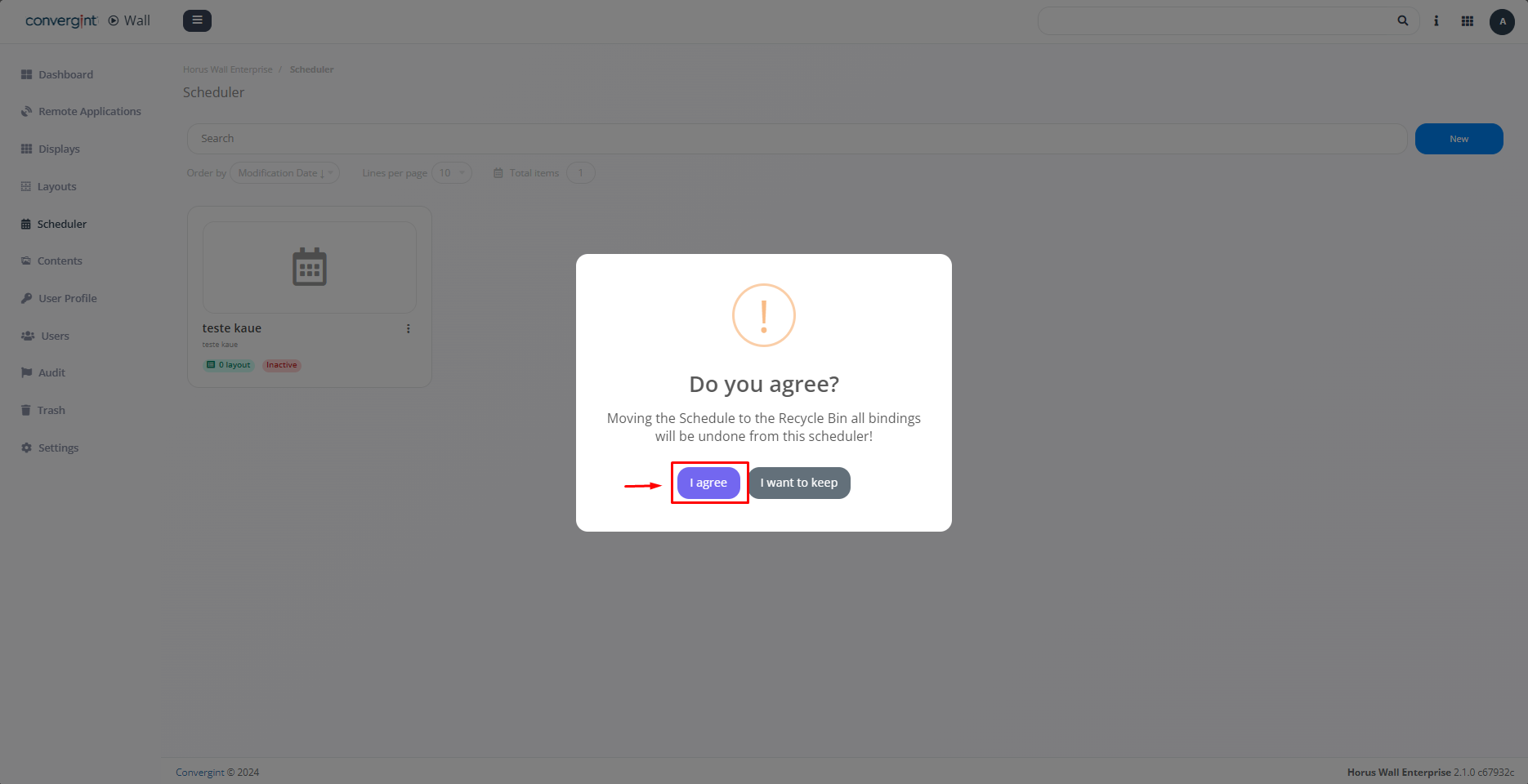
By selecting the option, a pop-up will appear asking you to confirm before proceeding with the removal of the scheduler (highlighted). Then click on "I agree."
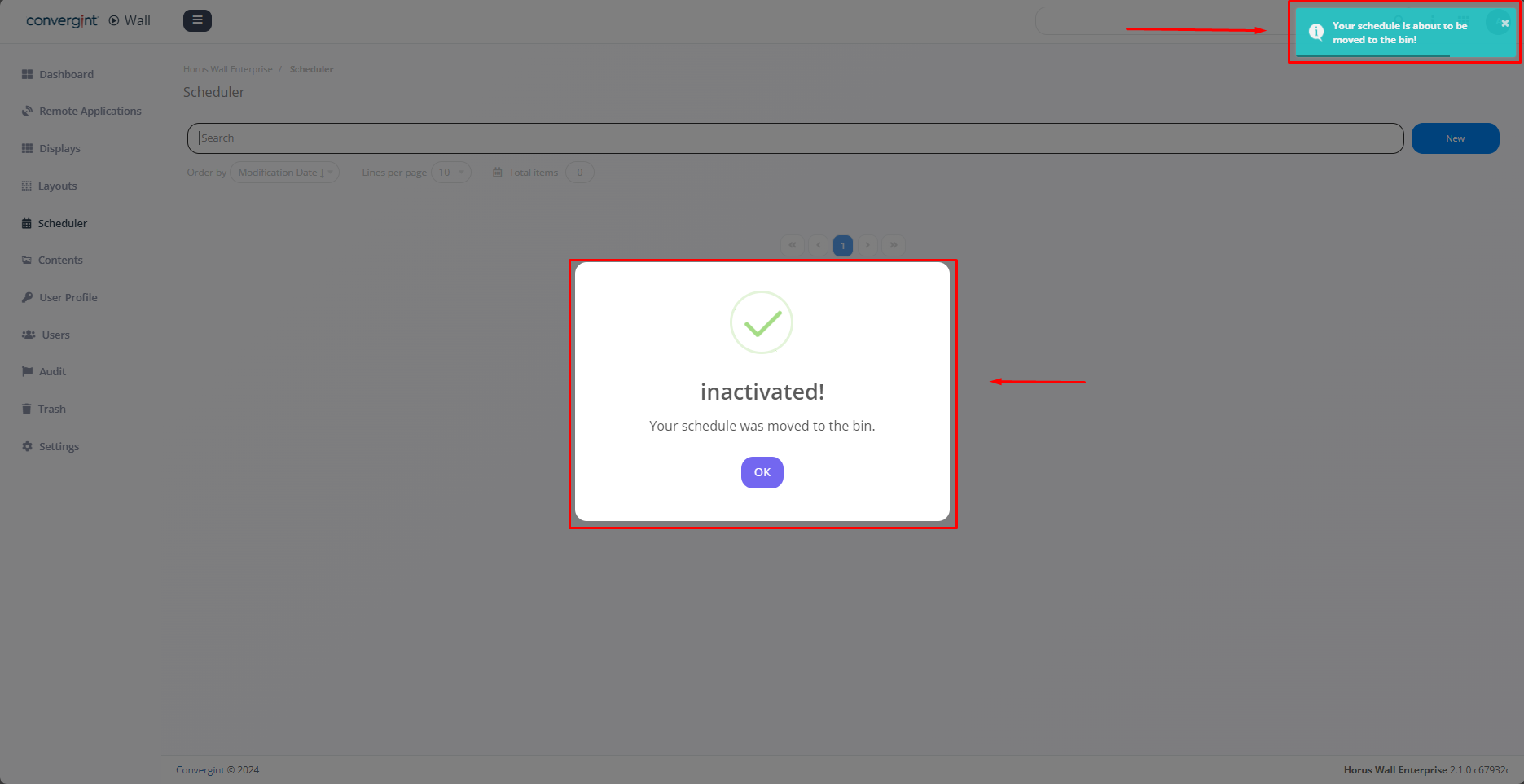
By clicking "I agree," the scheduler will be removed.